
Craftable Bases 1.21+
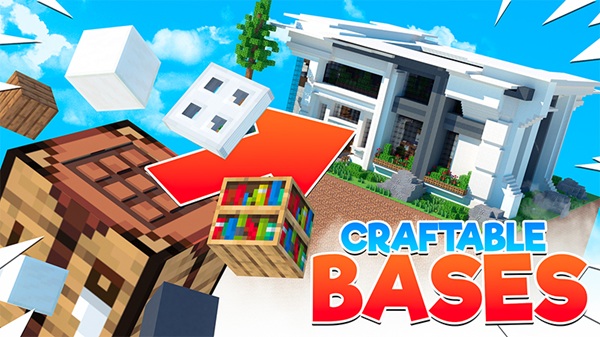
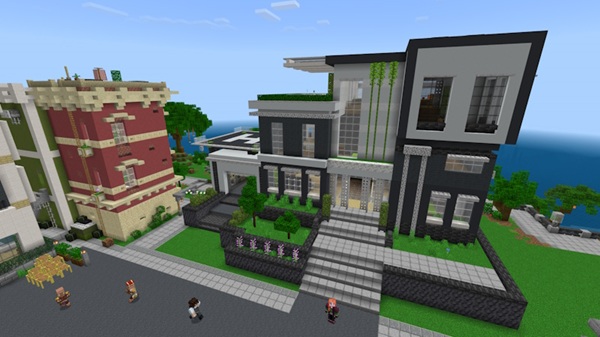
The Craftable Bases Addon lets you turn simple blueprints into fully functional fortresses in MCPE. Build modular bases, upgrade defenses, and customize styles—all while enjoying smooth performance on mobile, console, and PC.
Advertisement
Craftable Bases Addon – From Blueprint to Dream Fortress
Building a base in Minecraft Bedrock Edition (MCPE) is one of the most rewarding parts of the game, but it can also be time-consuming. Gathering stacks of materials, shaping walls, and decorating every corner takes hours—time you might prefer to spend exploring, mining, or adventuring.
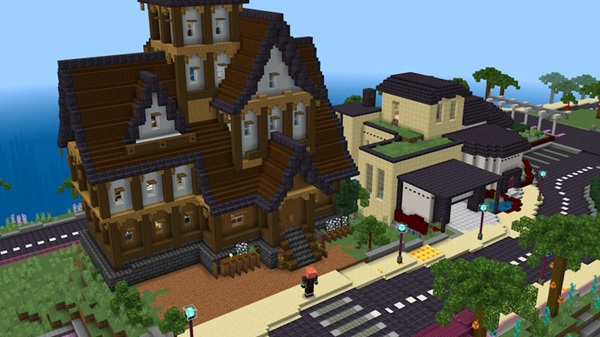
The Craftable Bases Addon changes that. It lets you turn a simple blueprint into a fully functional fortress in minutes. Whether you’re starting fresh in survival mode, leading a multiplayer team, or just want a stylish base without the grind, this addon gives you the power to go from plan to fortress faster than ever—without losing the satisfaction of building in Minecraft.
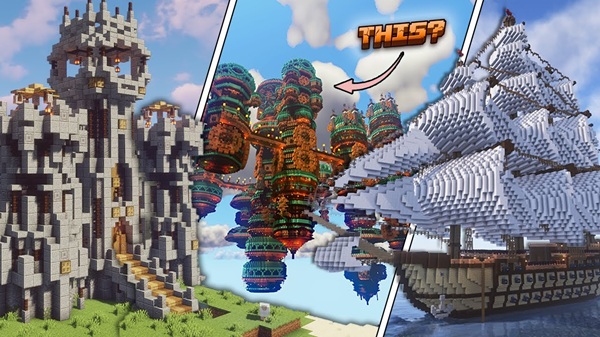
With this addon, you can design, build, and upgrade bases in a way that feels both efficient and creative. The features are crafted for MCPE players who value speed, customization, and performance.
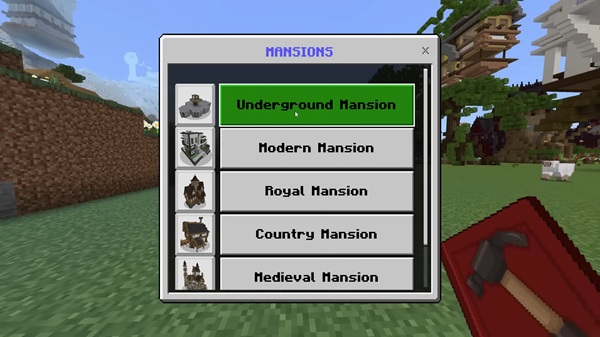
Instead of placing every block manually, you can craft modular pieces—walls, towers, and gatehouses—that connect seamlessly. You’ll also find pre-made rooms like workshops, storage areas, and bedrooms, which can be linked together to form a complete stronghold.
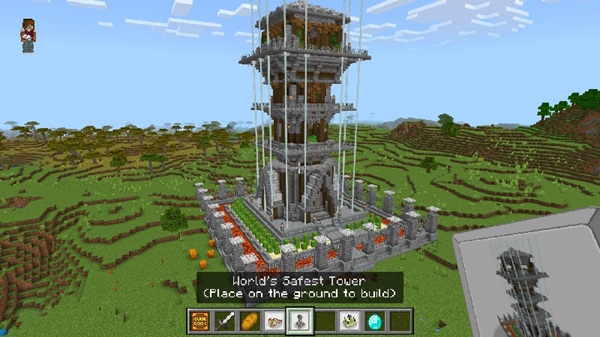
A base isn’t just a home—it’s protection. You can improve durability with reinforced wall tiers and install defensive features like spike traps or arrow slits. These upgrades keep hostile creatures at a distance and give your fortress a secure feel.
Advertisement
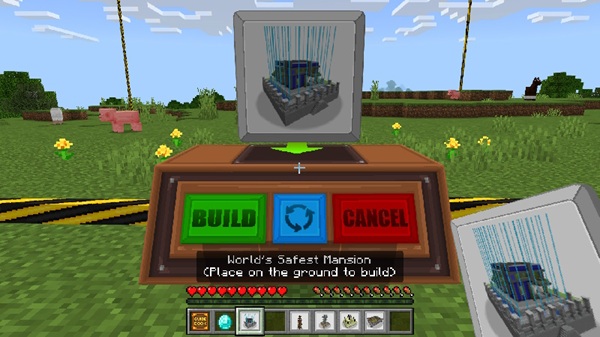
The blueprint system is the heart of the addon. Craft a blueprint, place a marker in your chosen location, and insert the needed components. With a single activation, the structure will build itself, saving hours of manual work.
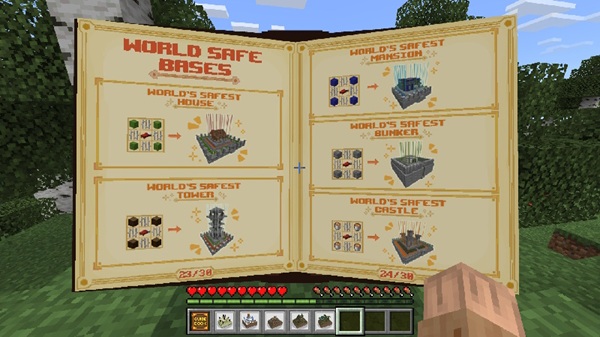
Every fortress should reflect its builder. You can choose materials such as stone, sandstone, wood, or nether brick, then personalize the space with banners, lanterns, and decorative patterns.
Despite generating detailed builds, the addon is designed for smooth performance. It runs efficiently on mobile devices, consoles, and Windows 10/11, so you can build big without worrying about heavy lag.
The blueprint system makes base building approachable, even for players who prefer exploring over construction.
- Gather Base Materials – Mine resources like cobblestone and iron ingots to create special “Base Blocks.”
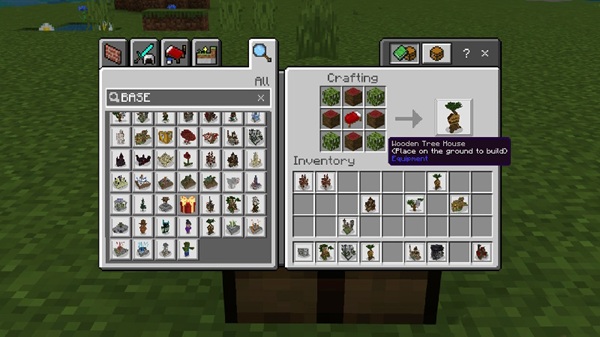
- Craft a Blueprint – Each structure type has a recipe in your crafting table.
- Place a Blueprint Marker – Position it on flat terrain for best results.
- Add Required Components – Supply walls, towers, traps, and other elements to the marker’s inventory.
- Activate the Build – Trigger the build process and watch the structure appear.
- Upgrade Over Time – Use upgrade stations to add reinforcements or expand your fortress as you progress.
Advertisement
This addon is designed to work smoothly across most MCPE platforms.
- MCPE Versions: Supports 1.19.x – 1.22.x.
- Platforms: Android, iOS, Windows 10/11, Xbox, PlayStation, Nintendo Switch.
- Performance Tip: Use simpler materials like wood or stone if playing on older devices to reduce lag.
- Multiplayer: Works in Realms and LAN—just make sure all players have the addon installed.
To get the most from the Craftable Bases Addon, plan your build and upgrades carefully.
- Plan Your Layout Early – Choose flat terrain for better structure placement.
- Stockpile Materials – Keep spare Base Blocks and components to expand quickly.
- Layer Defenses – Combine traps, reinforced walls, and lighting for stronger protection.
- Customize Interiors – Add crafting areas, storage rooms, and decorative touches to make it feel like home.
- Combine with Other Addons – Pair with terrain or mob addons to create an immersive fortress environment.
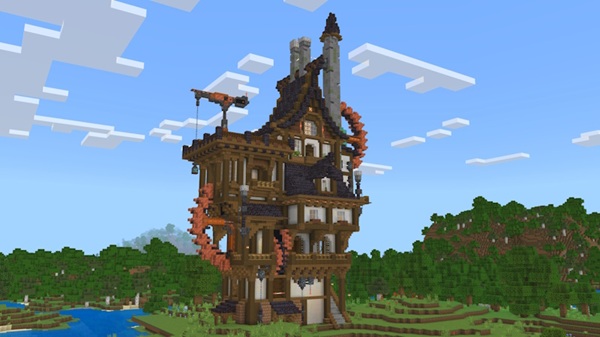
The Craftable Bases Addon is more than just a time-saver—it’s a creativity booster. By blending modular design, automated building, and endless customization, it gives you the freedom to focus on what you love most in MCPE, whether that’s exploration, survival, or designing the ultimate base.
From a single blueprint to your own dream fortress, this addon helps you build smarter, play longer, and enjoy Minecraft in a whole new way.
Photos
Installation Guide for MCPE
Getting started with the Craftable Bases Addon is simple.
-
Download the
.mcaddonFile- Save the file from the official source.
-
Import into Minecraft
- Mobile: Tap the file to open and install directly in Minecraft.
- Windows 10/11: Double-click or import via Minecraft’s settings.
-
Activate the Addon
- In your world settings, enable it under Behavior Packs and Resource Packs.
-
Enable Experimental Features
- Turn on Holiday Creator Features and any other required settings.
-
Restart the World
- Reload to ensure all features load correctly.
Advertisement
Your comment











