
Creation.jar Addon 1.21+
Bring light, life, and creativity into Minecraft Bedrock Edition with the Creation.jar Addon. Explore new blocks, tools, flora, and shard crafting that transform your MCPE world.
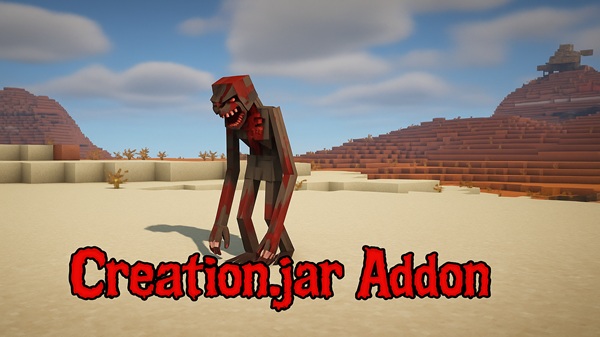
Creation.jar Addon Fills MCPE With Light, Life, and Wonder
Minecraft Bedrock Edition (MCPE) offers endless creativity, but sometimes vanilla features feel limited. The Creation.jar Addon changes that by introducing glowing blocks, magical flora, and powerful tools that enrich both survival and creative play. With this addon, your world becomes more vibrant, filled with energy, atmosphere, and opportunities to build like never before.
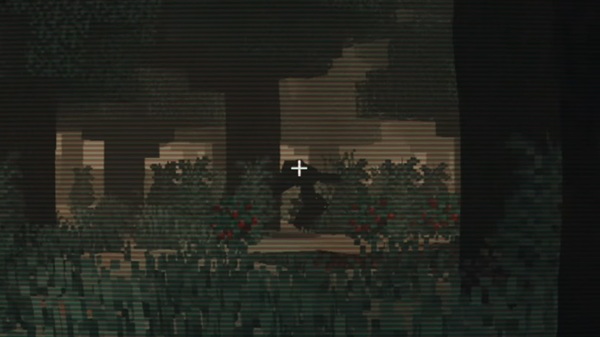
At its core, the Creation.jar Addon is all about adding new blocks, tools, and systems that blend fantasy with function. These features bring light, life, and wonder directly into your Minecraft experience.
- Infused Stone – tough and visually unique, perfect for strong structures.
- Aether Planks – mystical wood that adds character to builds.
- Living Glass – glows softly and heals nearby players, combining beauty with utility.
Many of these blocks respond to redstone signals, allowing you to change colors or toggle states to create dynamic effects.
- Rune Hammer – instantly converts large areas of stone into elemental materials.
- Archivist’s Quill – records block patterns so you can copy and reuse them.
- Genesis Wand – spawns bridges, gardens, or statues with a simple action.
These tools save time and spark creativity, letting you design more freely.
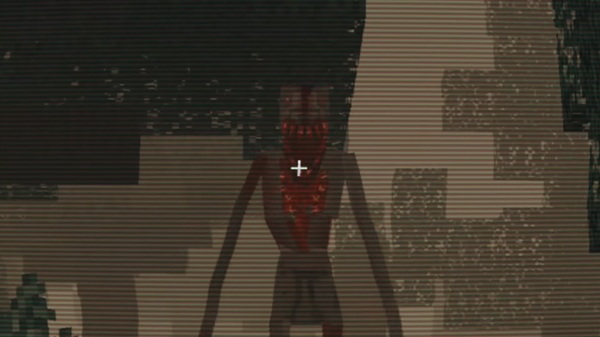
- Creation Saplings grow into radiant trees that provide healing sap.
- Lightdrift Butterflies light up dark areas and drop Luminescent Powder for crafting.
These natural additions enhance survival gameplay while making your world feel alive.
- Elemental Ore can be mined and smelted into shards.
- Four basic shards: Earth, Fire, Water, and Air.
- Combine shards to create hybrids such as Flame Feather Blocks (Air + Fire).
- Recipes integrate seamlessly with vanilla crafting menus.
This system encourages exploration and experimentation, rewarding players who test combinations.
The addon is designed to fit naturally into gameplay. You gather ore and saplings, craft shards, and power blocks with those shards to unlock effects like healing or light. Redstone adds another layer, letting you automate or decorate builds with glowing walls, hidden doors, or shifting colors. Whether you’re in survival mode collecting resources or in creative mode building instantly, the Creation.jar Addon adapts to your playstyle.
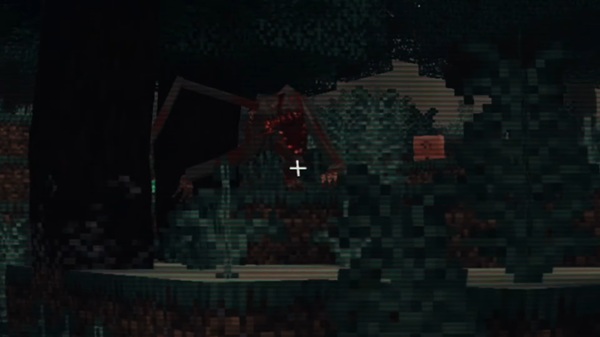
This addon is built for modern versions of MCPE and works across multiple devices.
- Supported Versions: Best on MCPE 1.21–1.23.5, partial support on 1.20.x.
- Devices: Android, iOS, and Windows 10/11; minimum 2 GB RAM recommended.
- Performance: Large structures from the Genesis Wand may cause lag on lower-end devices.
- Conflicts: Some addons with custom block IDs or certain shaders may interfere with glowing effects.
Tip: Lower render distance if you notice slowdowns when spawning large builds.
The Creation.jar Addon rewards players who experiment. Here are some tips to maximize your experience:
- Back Up Worlds before testing new features.
- Experiment in Creative to understand block behavior.
- Mix Shards for hybrid blocks with unique properties.
- Use Redstone Automation to toggle effects and create hidden builds.
- Smelt Ores for extra shards and bonus XP.
- Share Your Builds with friends or communities for inspiration.
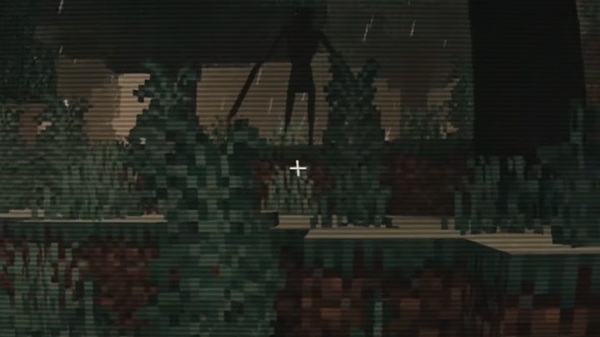
The Creation.jar Addon isn’t just another mod—it’s a creative toolkit that expands what’s possible in Minecraft Bedrock Edition. From glowing glass and enchanted trees to powerful wands and shard crafting, it transforms MCPE into a world filled with light, life, and wonder. Whether you want to enhance survival adventures or design stunning creations, this addon is your key to unlocking a richer Minecraft experience.
Installation Guide for MCPE (Bedrock Edition)
Installing the Creation.jar Addon is simple and works like other MCPE packs:
- Download the Addon – obtain it from trusted Minecraft community sources.
- Import Into MCPE – open the
.mcaddonfile and Minecraft will auto-import. - Enable in Settings – activate both the Behavior Pack and Resource Pack.
- Restart and Confirm – re-enter your world to ensure new blocks and tools appear in Creative inventory.











