
Customizable M3 1.21+
Explore the Customizable M3 Addon for Minecraft Bedrock Edition. Drive a BMW M3, customize mobs, tools, and environments, and transform MCPE into your own world.
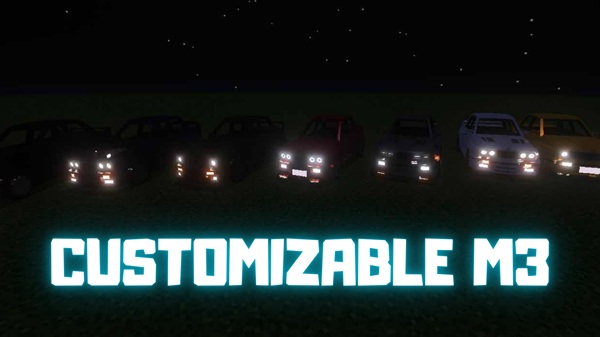
Customizable M3 Addon – Transform MCPE with Cars and Creativity
Minecraft Bedrock Edition (MCPE) is known for its freedom to build, explore, and create. But sometimes you want more than just blocks and swords—you want modern vibes, stylish vehicles, and full control over your world. The Customizable M3 Addon delivers exactly that.
With this addon, you can not only drive a sleek BMW M3 inside Minecraft, but also fine-tune mobs, items, and even the environment. It’s like adding a creative toolkit that turns your world into a playground shaped by your imagination.
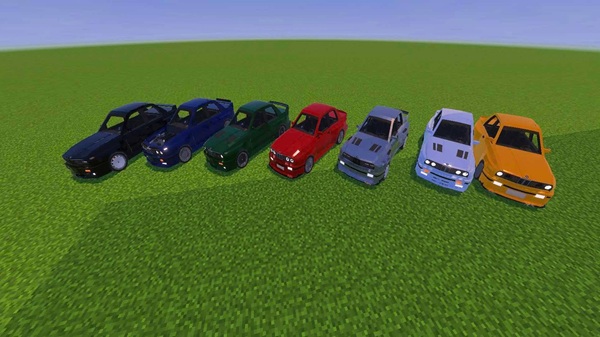
The real magic of this addon lies in its wide range of features. From cars to mobs and even the weather, everything is adjustable so you can make Minecraft truly yours.
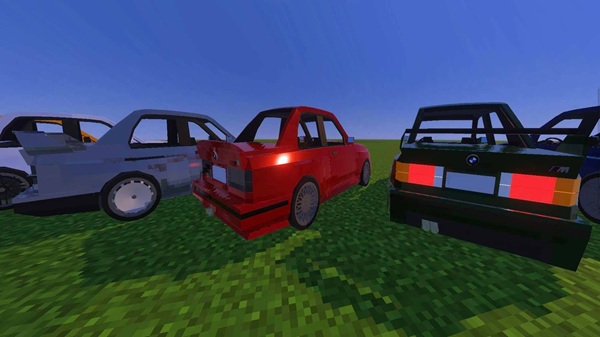
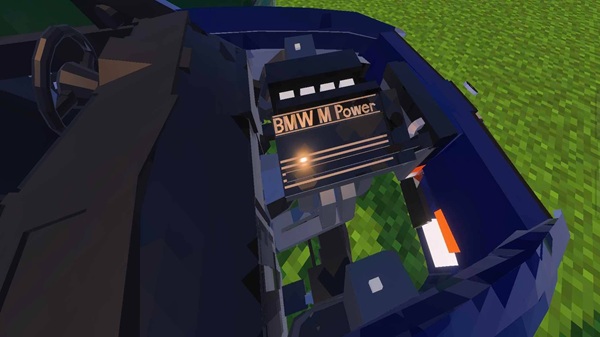
- High-quality 3D model inspired by the BMW M3.
- Smooth driving mechanics with responsive controls.
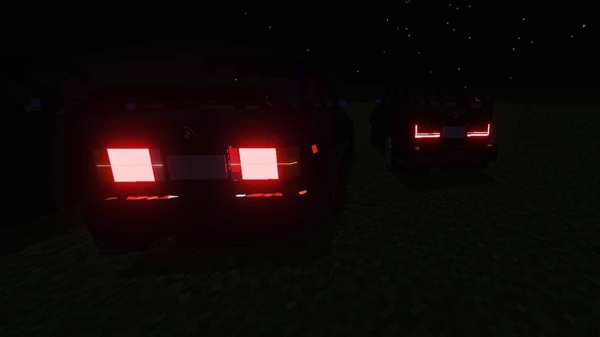
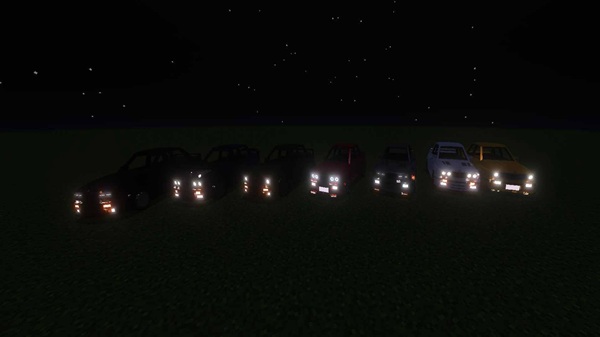
- Working headlights for nighttime adventures.
- Perfect for racing, roleplay cities, or stylish exploration.
- Change car colors using in-game dyes.
- Personalize the look to match your builds or mood.
- Export or import .json profiles to share styles with friends.
- Modify mob health, speed, and attack strength.
- Choose AI modes: Aggressive, Passive, or Custom patrols.
- Great for designing unique survival challenges or adventure maps.
- Adjust tool durability (from 1 to 10,000 uses).
- Redesign crafting recipes for better balance.
- Enhance enchantments for custom playstyles.
- Control weather: make it sunny, rainy, or stormy instantly.
- Adjust day/night cycle length for building or roleplay.
- Add biome-based particle effects like snow or embers for immersion.
Getting started is straightforward. Once installed, you’ll see a new M3 menu system that makes customization simple.
- Activate the Behavior Pack and Resource Pack in world settings.
- Open the menu via the /m3menu command or the on-screen M3 icon.
- Pick a category: Mobs, Items, or Environment.
- Adjust sliders or input values—the changes appear instantly.
- Save your setup and share it with others using .json profiles.
Because changes apply in real time, you don’t need to restart the world every time you experiment.
Before installing, check if your device and game version are supported:
- MCPE Versions: Works on 1.19.50+, including 1.20 & 1.21.
- Platforms: Android, iOS, Windows 10/11, Xbox One, Nintendo Switch.
- Recommended Specs: At least 2 GB RAM (4 GB for smoother play) and 50 MB free storage.
- Notes: Avoid combining with other addons that change mobs or particles to prevent conflicts.
To get the best out of Customizable M3 Addon, here are some useful tips:
- Backup your worlds before big changes—safety first.
- Enable Performance Mode if you’re on a low-end device.
- Try building race tracks or modern city maps to showcase your BMW M3.
- Share and download community profiles for quick inspiration.
- Experiment with mob and weather settings to create custom survival challenges.
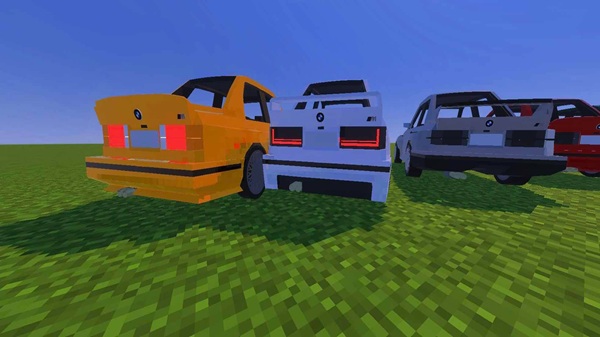
The Customizable M3 Addon is more than just a car mod—it’s a complete customization system for MCPE. You can drive a BMW M3, personalize its look, adjust mobs and tools, and even control the weather.
Whether you’re a survival fan, a roleplayer, or a creative builder, this addon gives you the tools to transform Minecraft Bedrock Edition into a world that matches your imagination. It’s freedom, style, and creativity all in one.
Photos
Installation Guide for MCPE (Bedrock Edition)
Installing the Customizable M3 Addon is quick and easy. Follow these steps:
- Download the addon file (
.mcaddonor.mcpack). - Extract the files into
/games/com.mojang/behavior_packs/and/resource_packs/using a file manager on your device. - Open Minecraft → go to Settings → Global Resources and activate the resource pack.
- In your world settings, enable the Behavior Pack.
- Restart your world to make sure everything works smoothly.
Your comment











