
DG Chunk Loader 1.21+
The DG Chunk Loader Addon keeps farms, redstone, and mob systems running nonstop in MCPE, unlocking endless automation for survival players and servers.
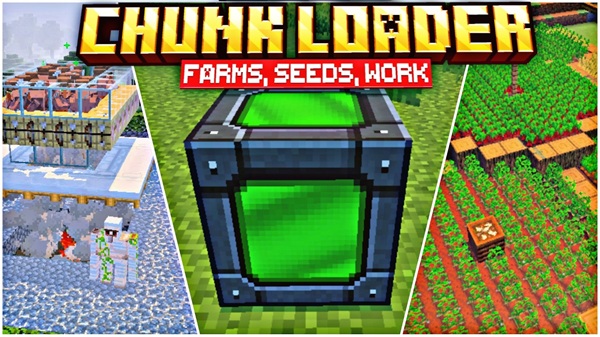
DG Chunk Loader Addon Unlock Endless Automation in Bedrock
In Minecraft Bedrock Edition (MCPE), chunks only stay active when you are nearby. Once you move too far, farms stop producing, redstone circuits freeze, and mob grinders go silent. This limitation often disrupts survival progression and technical builds.
The DG Chunk Loader Addon solves this problem by allowing you to designate specific chunks that remain active at all times. With this addon, farms keep growing, redstone never sleeps, and multiplayer servers stay alive, creating a smoother, more automated experience in Bedrock.
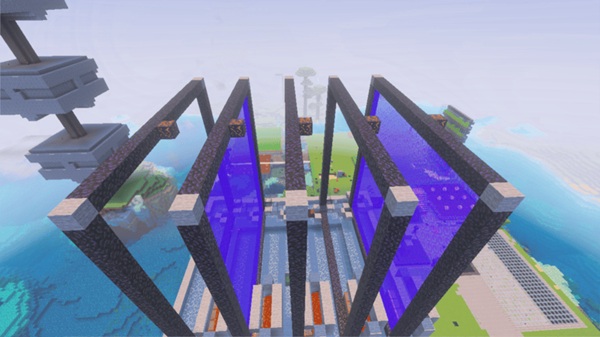
The DG Chunk Loader Addon is designed for efficiency, automation, and simplicity. It introduces powerful yet easy-to-use tools that expand how you play in MCPE.
- Always-Active Chunks – Keep farms, redstone machines, and mob systems running 24/7.
- Chunk Loader Marker – Place a special block to toggle chunk loading on or off instantly.
- Configurable Limits – Adjust the maximum number of active chunks via a settings file.
- Optimized for Performance – Runs smoothly on mobile, PC, and consoles without heavy lag.
- Multiplayer Support – Works in Realms, LAN sessions, and servers for shared automation.
Automation in Bedrock is normally limited by the game’s chunk system. The DG Chunk Loader Addon changes that by introducing a new way to keep areas permanently active.
In vanilla Bedrock, only chunks within a set distance of the player remain active. Farms stall, redstone freezes, and mobs stop spawning when you leave the area. This makes large builds and automated systems less effective.
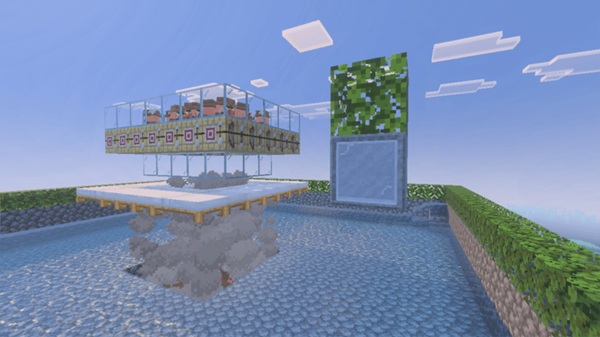
The addon adds a Chunk Loader Marker, a custom item that forces a chunk to stay loaded. Place it in your world, toggle it with interaction, and that chunk will continue running as if you were standing there.
Crops grow without interruption, iron farms keep producing, and mob grinders run endlessly. With chunk loaders, you no longer need to stand in one place to keep your base productive.
Complex contraptions like furnace arrays, storage sorters, and piston machines continue working. For redstone engineers, this brings Bedrock closer to the possibilities available in Java Edition.
In multiplayer, shared farms and generators stay active even if no players are nearby. Server admins can maintain fairness by keeping essential areas active, ensuring everyone benefits equally.
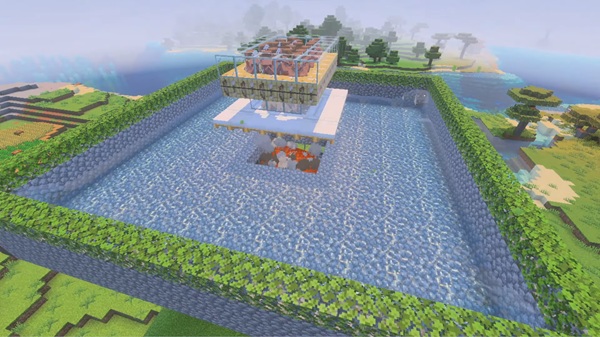
Before installing, check that your device and game version are supported:
- MCPE Versions: Works with 1.19 – 1.21+.
- Devices: Android, iOS, Windows 10/11, Xbox, and Nintendo Switch.
- Addon Compatibility: Generally safe with other behavior packs unless they also change ticking.
- Multiplayer: All players in a Realm or server must activate the addon.
To get the best performance and results, follow these tips when using the DG Chunk Loader Addon:
- Use Strategically: Place loaders only at farms, contraptions, and bases.
- Limit Active Chunks: Too many loaders may affect performance; balance automation with stability.
- Mark Chunk Borders: Build visual markers to know exactly which areas are loaded.
- Backup Your World: Continuous ticking means faster changes; regular backups prevent data loss.
- Pair with AFK Platforms: Combine chunk loaders with AFK platforms for efficient XP grinding and loot collection.
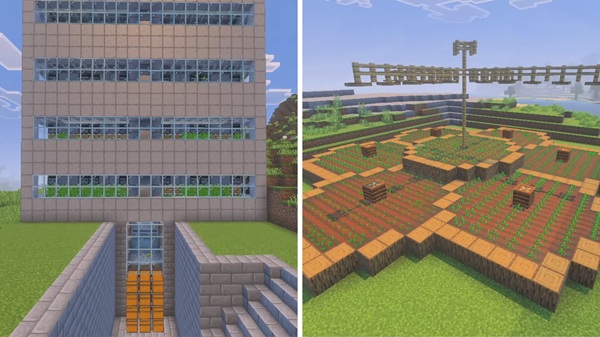
The DG Chunk Loader Addon eliminates one of Minecraft Bedrock’s biggest frustrations: frozen chunks. By keeping your chosen areas permanently active, it allows farms, redstone, and servers to function smoothly in the background.
Whether you’re a survival farmer, a redstone engineer, or a server admin, this addon helps you unlock the full potential of automation in MCPE. With DG Chunk Loader, your world stays alive, efficient, and productive — even when you’re far away.
Installation Guide – Step by Step
Installing the DG Chunk Loader Addon is quick and beginner-friendly.
- Download the
.mcaddonfile from a safe, verified source. - Import it into Minecraft — the game will install both behavior and resource packs.
- Activate the addon in your world’s Behavior Packs and Resource Packs settings.
- (Optional) Open
settings.jsoninside the addon folder to adjust"max_loaded_chunks".











