
Extra Swords 1.21+
Upgrade your combat in MCPE with the Extra Swords Addon. Craft nine unique blades, unlock new powers, and explore Minecraft with fresh strategies and style.
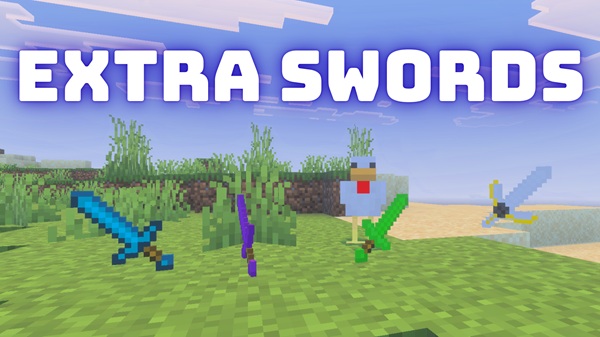
Extra Swords Addon – Nine Unique Blades of Power
Minecraft Bedrock Edition has always offered fun in combat, but many players eventually want more variety than the default diamond or netherite sword. The Extra Swords Addon answers that need by introducing nine unique swords, each with distinct abilities, crafting recipes, and enchanting options. Whether you play survival, PvP, or roleplay, this addon transforms your combat and exploration with new strategies and styles.
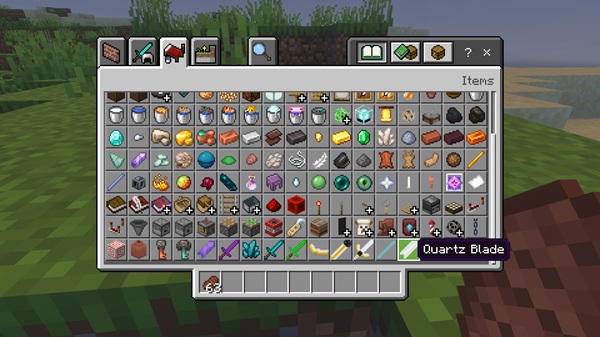
This addon’s core is its collection of swords, each crafted with care to give you a different edge in battle. Every blade comes with its own stats, textures, and effects that make them stand out.
Applies a short poison effect to mobs, wearing down enemies over time. Great for explorers who like to weaken opponents gradually while staying mobile.
Built for impact, this sword unleashes small flame sparks and pushes mobs back. Perfect for crowd control in tight caves or mob farms.
A lightweight blade with faster swing speed. Breaking blocks or striking mobs releases crystal shard particles, adding flair to your battles.
An upgrade to the vanilla diamond sword with stronger durability. Still fully enchantable, making it a reliable all-rounder for any situation.
Low durability but the fastest swing speed of all blades. Easy to enchant, making it fun for players who like experimenting with setups.
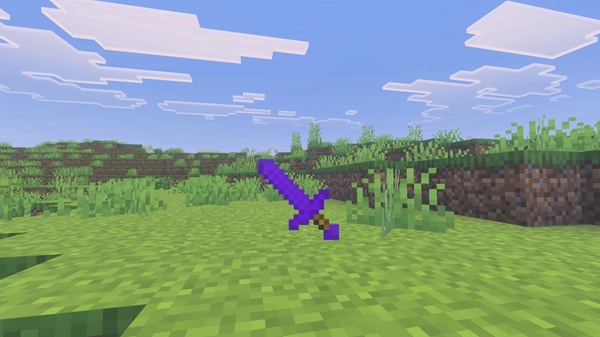
The strongest blade in the addon. High base damage and fire resistance make it the end-game weapon for hardcore adventurers.
Lower raw damage but excellent enchantability. Ideal for roleplayers or players who want a “magic-themed” loadout.
Applies a thorns-style counter effect when blocking hits. Balanced durability and reach for long survival journeys.
Depending on addon updates, extra swords may be included. These keep gameplay fresh and encourage replayability.
Crafting is simple yet balanced, making the addon easy for all players to enjoy. Recipes follow the classic pattern of two material units plus one stick, and they appear in your recipe book automatically once you collect the materials.
But crafting isn’t the only way. Some swords also appear in loot chests throughout Minecraft’s structures—dungeons, temples, strongholds, and End Cities. This integration gives you more reason to explore, with higher-tier locations offering rarer blades.
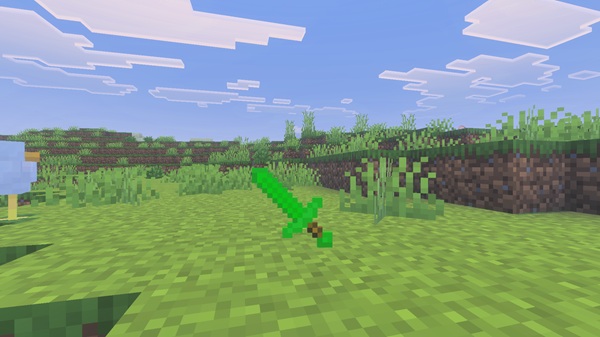
Once activated, the swords integrate seamlessly into your world. They look, feel, and function like vanilla swords—but with added variety.
- Survival: New weapons give you progression and reasons to hunt resources.
- PvP: Duels become more tactical with faster, slower, or effect-driven blades.
- Roleplay: Knights, adventurers, or fantasy heroes can use swords that match their style.
The Extra Swords Addon combines fun with balance, so it feels fresh without being overwhelming.
This addon is built to run smoothly across devices and versions:
- Minecraft Versions: Supports 1.20.0+, tested up to 1.23.5.
- Platforms: Android, iOS, Windows 10/11, Xbox One, Nintendo Switch, and PlayStation.
- Performance: Lightweight and optimized, so even low-end mobile devices can handle it easily.
- Requirements: Both resource and behavior packs must be active; mismatched versions may cause missing textures
Before jumping into battle with your new swords, keep these tips in mind:
- Backup worlds before adding any new addon.
- Resource pack priority: Place Extra Swords at the top of your pack list to avoid conflicts.
- Creative Mode testing: All swords appear under the “Combat” tab, so you can try them quickly.
- Pair with enchantments: Add-ons that expand enchantments or armor systems combine perfectly with Extra Swords.
- Multiplayer: For servers or Realms, the addon must be installed by the host so all players can see the swords.
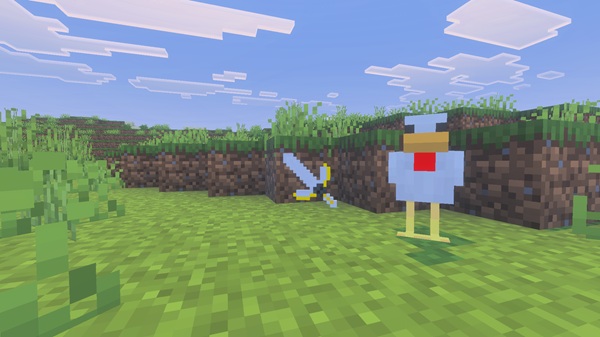
The Extra Swords Addon is more than just a set of weapons—it’s a way to personalize your Minecraft Bedrock experience. With nine unique swords to craft, loot, and master, you can choose the blade that best fits your playstyle. From speed-focused Crystal to power-packed Netherite, every choice changes how you fight, explore, and roleplay.
If you’re ready to expand your arsenal and make every adventure feel new again, this addon is the perfect addition to your MCPE world.
Installation Guide for MCPE
Installing the addon is straightforward and works across platforms:
- Download the Addon – Get the
.mcaddonfile from a trusted source. - Import – Tap the file on your mobile device or Windows PC; Minecraft will import it automatically.
- Activate Packs – In world settings, enable both the Behavior Pack and Resource Pack for Extra Swords.
- Play – Start your world and enjoy crafting or looting your new blades.











