
Fast And Furious Vehicle 1.21+
Experience the Fast And Furious Vehicle Addon in MCPE. Drive legendary cars, customize rides, and enjoy thrilling speed, nitro boosts, and multiplayer racing fun.
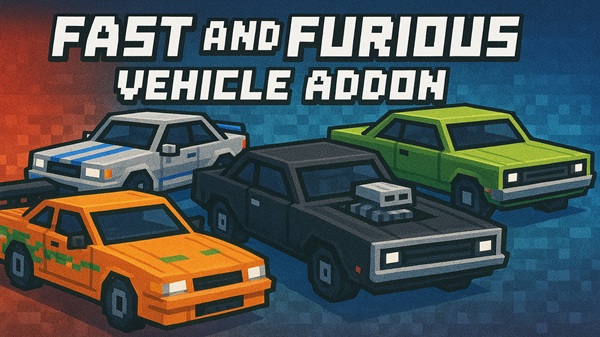
Minecraft Bedrock Edition is known for endless creativity and exploration, but getting around often feels slow. The Fast And Furious Vehicle Addon changes that by bringing legendary cars, realistic driving, and thrilling gameplay to MCPE. With nitro boosts, drifting mechanics, and customization, this addon makes every journey an adventure and turns your world into a racing playground.
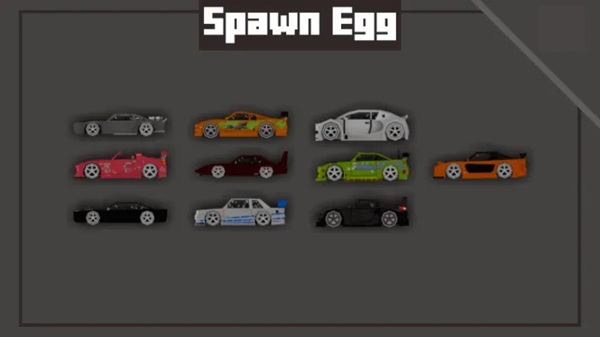
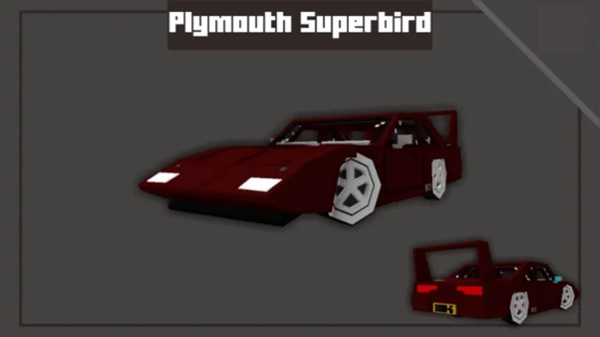
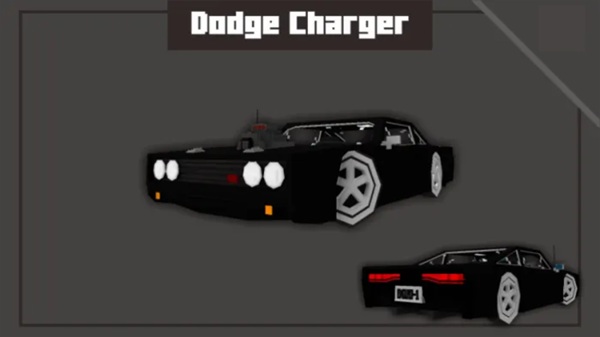
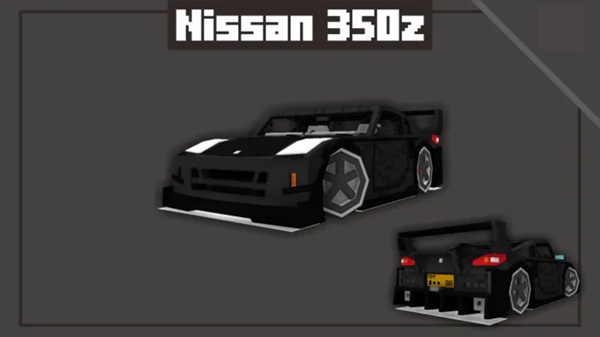
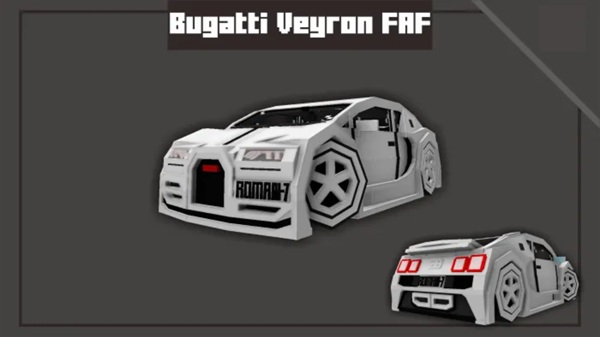
The highlight of this addon is its lineup of iconic cars inspired by some of the most famous models in automotive culture. Each vehicle comes with detailed 3D models and textures, making them stand out in any Minecraft world.
- Toyota Supra – known for speed and smooth balance.
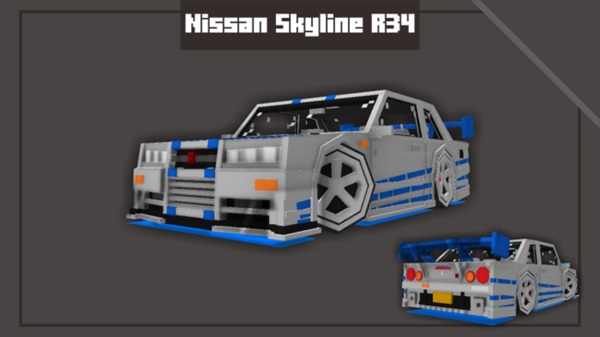
- Nissan Skyline R34 GT-R – a drift-ready legend with sharp handling.
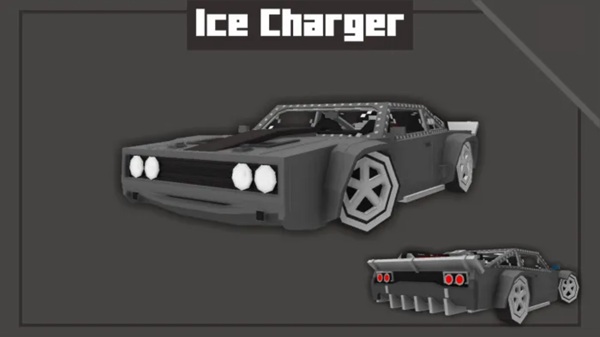
- Dodge Charger – raw power and muscle-car presence.
- Ford Mustang GT – stylish, aggressive, and built for fun.
These vehicles allow players to combine their love of car culture and Minecraft creativity, delivering a crossover experience that appeals to both builders and racers.
Driving in vanilla Minecraft is simple, but this addon takes it to the next level. It adds physics, sounds, and boosts that give each ride authenticity and excitement.
Acceleration, braking, and steering are finely tuned. Cars can drift, grip the road, and handle corners like real racers, creating immersive driving mechanics.
Each car comes alive with sounds: roaring engines, screeching tires, and nitro bursts. The audio responds dynamically to your driving style, making every moment feel intense.
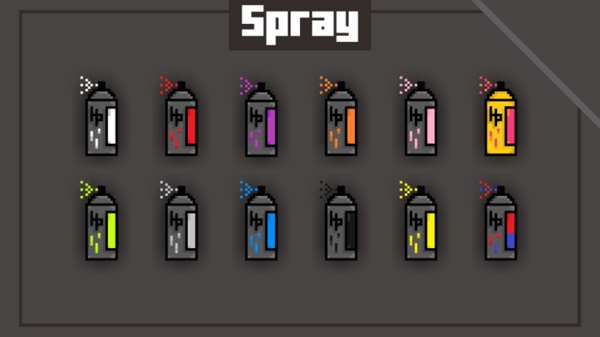
Paint jobs, rims, spoilers, and banner-based decals let you make each car unique. Personalize your rides to reflect your style or fit your roleplay scenario.
Collect nitro bottles and unleash bursts of speed for overtakes or timed races. The nitro system creates an adrenaline rush that keeps players hooked.
To make the most of the Fast And Furious Vehicle Addon, you’ll need to learn its mechanics.
- Crafting Car Keys: Combine iron, redstone, and leather to craft keys that spawn vehicles.
- Driving Controls: Enter with a tap or right-click, then use standard MCPE controls (WASD or joystick).
- Drifting: Hold jump while turning for smooth, controlled slides.
- Nitro Boosts: Use the sneak button while driving to activate temporary speed boosts.
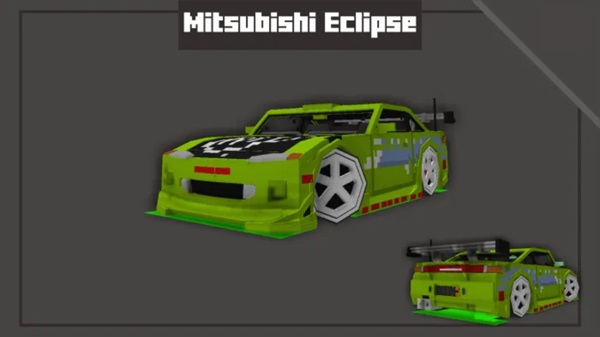
- Tuning Upgrades: Add parts like turbos or suspension kits to improve speed, handling, and durability.
- Multiplayer Fun: Share Car Keys with friends, race on tracks, or roleplay city driving.
This addon is designed for smooth performance across most devices, but some specs help optimize the experience.
- Minecraft Versions: Compatible with MCPE 1.20 – 1.23+.
- Platforms: Android, iOS, Windows 10/11, Xbox, PlayStation.
- Device Requirements: At least 2 GB RAM (4 GB+ recommended).
- Performance Tips: Lower render distance and particles if spawning multiple cars.
There are endless ways to enjoy the Fast And Furious Vehicle Addon. Here are some ideas to inspire you:
- Custom Racetracks: Build highways, drift arenas, or drag strips for races.
- Multiplayer Challenges: Use command blocks for lap timers and host competitions.
- Garage Creations: Personalize cars with banners, dyes, and renamed Car Keys.
- Optimized Play: Close apps in the background on mobile to boost performance.
- Roleplay Scenarios: Host car shows, run racing leagues, or create realistic city maps with traffic.
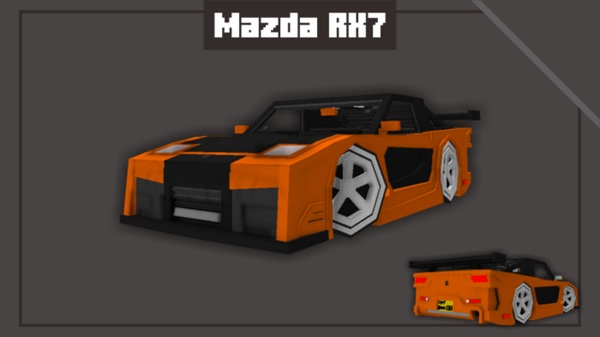
The Fast And Furious Vehicle Addon goes beyond being just another mod—it transforms how you experience Minecraft Bedrock Edition. With legendary cars, immersive sounds, tuning systems, and nitro boosts, it’s perfect for builders, roleplayers, and multiplayer racers alike. Whether you’re drifting through city streets or speeding across custom tracks, this addon delivers the legendary thrill you’ve been waiting for in MCPE.
Photos
Installation Guide (MCPE / Bedrock)
Installing the addon is simple and works across devices.
- Download the
.mcaddonfile. - Open it, and Minecraft will auto-import the pack.
- In world settings, activate both the Resource Pack and Behavior Pack.
- Enable Holiday Creator Features if required.
- Launch your world, check your inventory, and start driving.
Quick Fix: If textures or cars don’t load, reset the order of packs under Settings → Global Resources → My Packs.
Your comment











