
FNAF Build and Decor 1.21+
The FNAF Build and Decor Addon brings animatronics, themed blocks, neon lights, and props to MCPE. Build authentic pizzerias, roleplay with friends, and create immersive worlds in Minecraft Bedrock Edition.
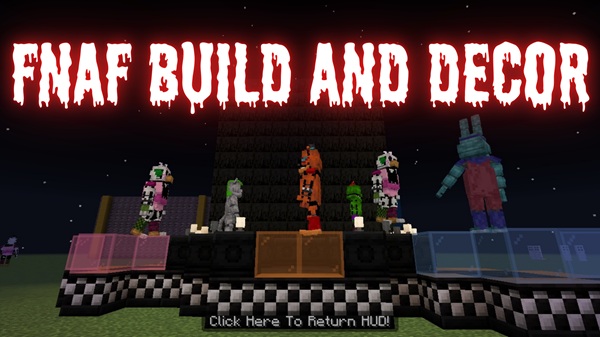
FNAF Build and Decor Addon – Create Authentic Pizzerias in MCPE
The FNAF Build and Decor Addon brings the iconic charm of Five Nights at Freddy’s straight into Minecraft Bedrock Edition (MCPE). Instead of just imagining Freddy Fazbear’s Pizza, you can build it block by block, decorate with authentic props, and fill your world with animatronic figures, neon lights, and security systems.
This addon is designed for players who love creativity and roleplay. Whether you want to recreate the original pizzeria or design your own entertainment venue, it gives you the tools to make your Minecraft world more engaging and immersive.
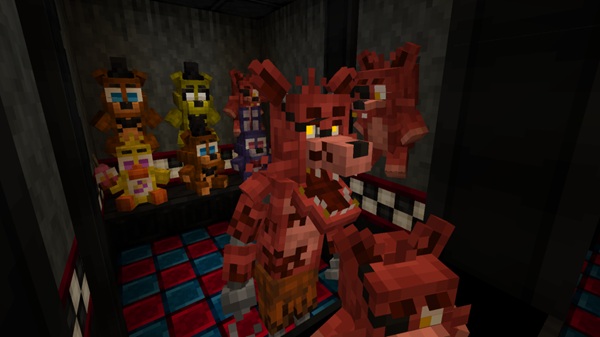
This addon is packed with everything you need to create your dream pizzeria. From detailed animatronic figures to arcade machines and glowing neon blocks, here are the features that stand out most.
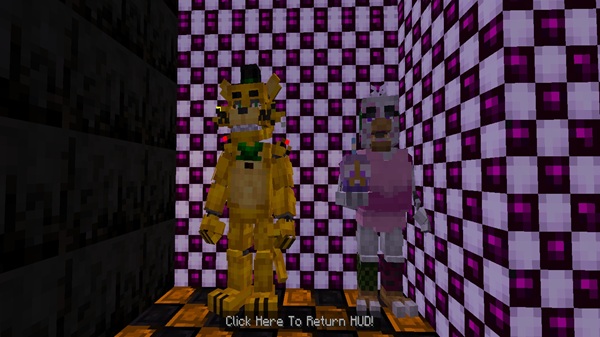
Decorative models of Freddy, Bonnie, Chica, and Foxy can be placed around your world. These figures include smooth idle animations, making them look alive while staying non-hostile for safe roleplay.
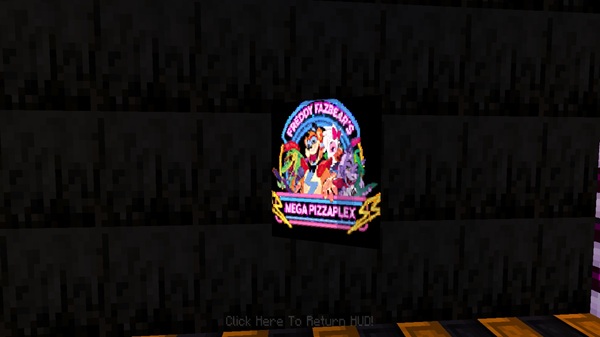
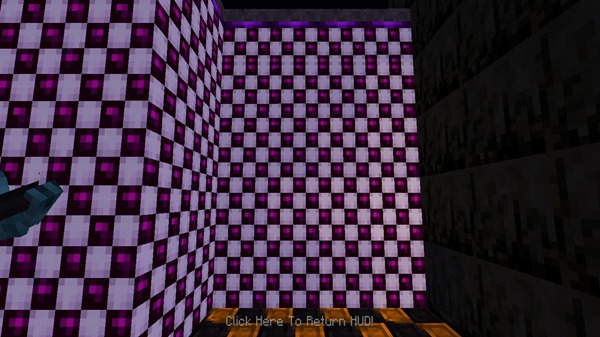
Add authenticity with custom walls, tiled floors, arches, and ticket booths. Neon glow blocks in multiple colors help recreate the bright, arcade-like feel of FNAF environments.
Placeable items like arcade machines, dining tables, security cameras, and prize counters bring life and detail to your builds, making them more interactive and fun.
Redstone-powered metal doors and glowing camera blocks allow you to design your own security office. These features integrate smoothly with levers, switches, and redstone dust.
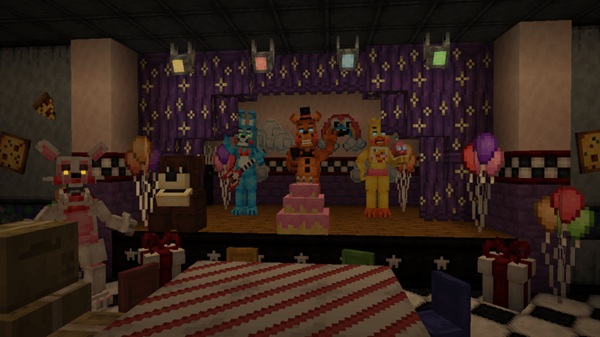
Background music tracks, subtle ambiance sounds, and NPC staff or visitors help your pizzeria feel lively. These additions enhance immersion for both single-player and multiplayer gameplay.
Once installed, the FNAF Build and Decor Addon appears in your creative inventory. From there, you can access new blocks, props, and spawn eggs to design your builds.
- Spawn Animatronics – Use eggs to place character models wherever you like.
- Redstone Integration – Connect neon lights, doors, and cameras for functional roleplay.
- Sound Triggers – Place sound blocks that activate when players step nearby, adding atmosphere.
It’s straightforward, flexible, and designed to fit naturally into the MCPE sandbox experience.
The FNAF Build and Decor Addon is designed for broad compatibility and optimized for smooth performance on most devices.
-
Minecraft Versions: Works best on 1.19.50+, fully tested on 1.20+.
-
Platforms Supported: Android, iOS, Windows 10/11, Xbox, and PlayStation (Bedrock Edition).
-
Performance Tips:
- Lower render distance on older devices.
- Disable fancy graphics when using many neon lights.
- Limit animatronic spawns on low-end hardware.
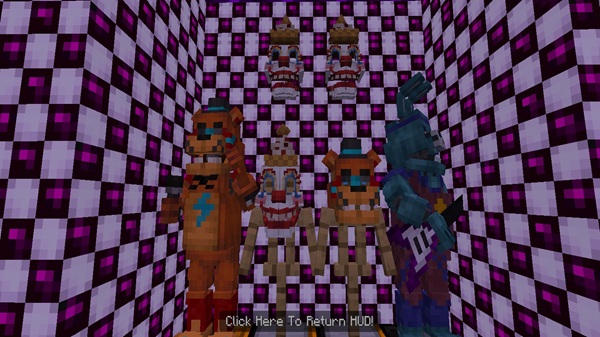
Building a true-to-theme pizzeria takes more than just props. With this addon, you can plan layouts, add atmosphere, and design interactive systems for the best experience.
Start with a stage for animatronics, a dining hall with tables, arcade corners, and a control office. This makes your build feel realistic and easy to explore.
Neon glow blocks brighten key areas, while sound blocks add immersive effects. A glowing hallway or a buzzing arcade corner can instantly transform the vibe.
Take on the role of a security guard managing doors, or invite friends to roleplay as guests, staff, or animatronics. Multiplayer roleplay adds endless fun.
Link security doors to levers, create timed redstone switches, or simulate power systems. This makes your pizzeria more interactive and challenging.
Strategically place sound blocks at entrances, stages, or hallways. They provide the background ambiance that brings your build to life.
If you want to get even more out of the FNAF Build and Decor Addon, here are a few creative tricks:
- Combine with shaders or light-enhancing packs for richer visuals.
- Add NPC visitors to simulate a busy restaurant.
- Use command blocks to create custom “night shift” survival challenges.
- Great for multiplayer servers where friends can roleplay together.
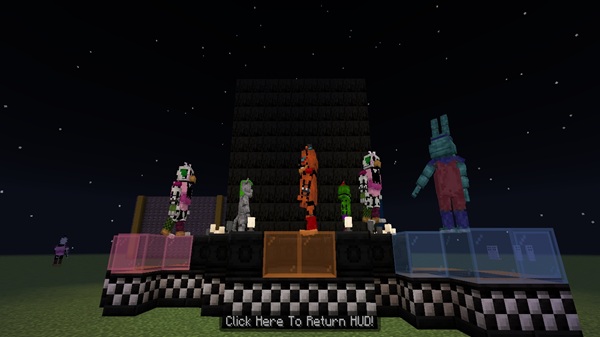
The FNAF Build and Decor Addon is more than just a decoration pack—it’s a complete toolkit for creativity, roleplay, and immersive building in MCPE. With animatronics, neon blocks, props, and security features, you can design authentic pizzerias that capture the spirit of FNAF while staying fun and safe inside Minecraft.
Whether you’re playing solo or with friends, this addon delivers replay value, atmosphere, and endless creative possibilities. Download it, build your world, and turn your imagination into an unforgettable Minecraft experience.
Photos
Installation Guide for MCPE
Setting up this addon is quick and simple. Follow these steps to get started:
-
Download the Addon – Make sure you have both the behavior pack and resource pack (
.mcpackfiles). -
Import to Minecraft
- On mobile: Tap the file to launch Minecraft automatically.
- On Windows 10/11: Place the files into the
behavior_packsandresource_packsfolders.
-
Activate in World Settings
- Enable the addon under Behavior Packs and Resource Packs.
- Turn on Holiday Creator Features in the Experiments tab.
-
Start Building – Open your world and access new items directly from the creative inventory.
Your comment











