
Geometry Dash 1.21+
Experience the Geometry Dash Addon on Minecraft Bedrock and master rhythm-based jumps, fast resets, and skill-focused challenges. Learn how it works, how to install it, and how to improve your timing across exciting mini-game levels.
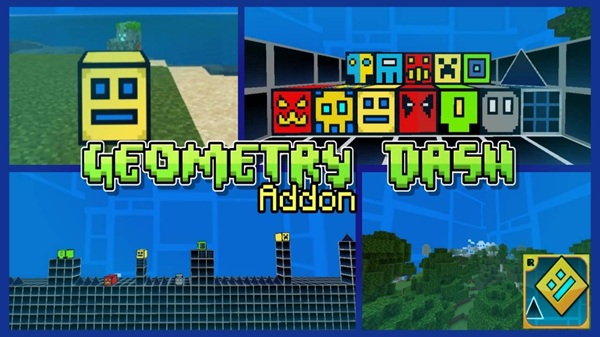
Geometry Dash Addon Extreme Rhythm Jump Challenge (MCPE)
The Geometry Dash Addon brings a fast-paced rhythm experience into Minecraft Bedrock, turning every jump into a timing challenge. Instead of running through normal parkour maps, you react to moving obstacles while trying to stay in sync with gravity. One small mistake sends you back, but every retry feels more rewarding. If you enjoy skill-based mini-games, this addon gives you a fresh way to test your reaction speed and rhythm.
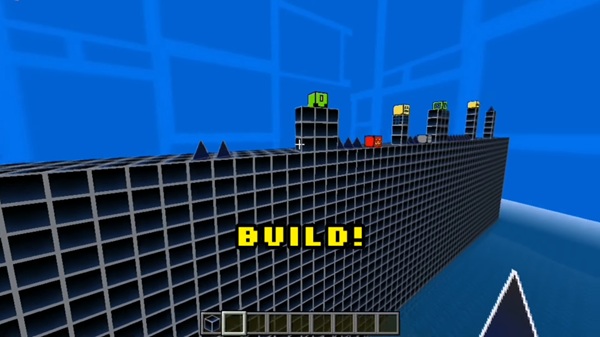
What Makes This Addon a Rhythm Jump Challenge?
This edition of the Geometry Dash Addon focuses on rhythm-based movement rather than walking or sprinting. You don’t run across platforms — the level comes toward you, and you react. That’s what makes each attempt short, intense, and addictive.
Jumping Based on Timing, Not Movement
You don’t rely on sprinting or shifting direction. Instead, you only press to jump at the right moment. A quick tap might save you from a spike, while a poorly timed jump pushes you into danger. Think of each jump as a “beat” that you must hit correctly.
Gravity Controls the Flow of Each Jump
Gravity constantly pulls you downward, so you must jump at just the right time to stay in motion. A brief jump feels like a tap in a rhythm game, while a longer press lifts you higher. Learning this timing is key to mastery.
Obstacles Move Toward You, Not the Other Way Around
In typical MCPE parkour, you move forward. In this addon, obstacles scroll toward you, and your job is to react. Pipes, gaps, and hazards slide into view, forcing you to respond quickly.
Short Attempts Encourage Skill Growth
You fail fast and restart fast. Each attempt lasts only a few seconds, but you learn a tiny bit more every time. This loop makes even short sessions satisfying for casual and competitive players.
Scoring Rewards Timing Accuracy
Instead of just reaching the end, you earn a score based on how far you progressed. A better rhythm leads to a higher percentage, encouraging you to keep improving your personal best.
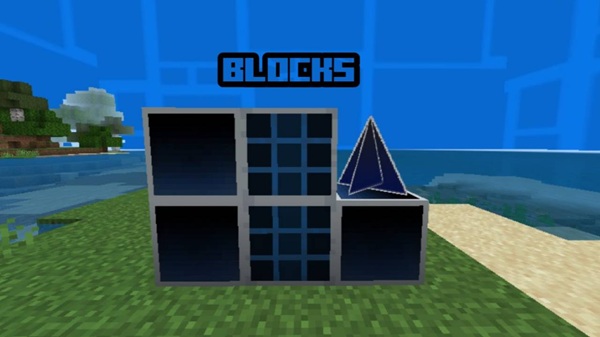
Visual and Audio Cues Support Movement
If enabled by the addon version, color effects or simple sound cues help you measure rhythm. These cues are optional, but they make the challenge feel more intuitive and fun.
Key Features of the Geometry Dash Addon
The Geometry Dash Addon stands out because it combines parkour, rhythm gaming, and arcade-style mechanics into a single Bedrock mini-game.
Rhythm-Timed Jumping Controls
Jump height responds to how long you press, not just whether you press. Light taps help you weave between obstacles, while longer jumps let you clear taller hazards.
Progressive Difficulty Levels
Patterns grow more complex as you progress. Levels may include:
-
slower speed for beginners,
-
tighter jumps for intermediate players,
-
extreme sequences for experts who love mastering precision.
Score & Completion Feedback
The game tracks how far you got using a percentage meter. You can try to beat your own record or challenge a friend to outscore you.
Optional Visual Effects
Some versions add colored blocks, neon scenery, or particle trails that emphasize movement. These details make every jump feel sharper, but they can be disabled for performance.
How to Play the Extreme Rhythm Jump Challenge
Once installed, the Geometry Dash Addon requires learning timing instead of speed. You don’t need complicated controls — just patience and rhythm.
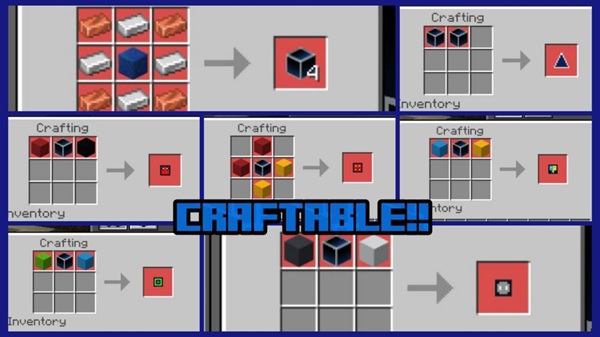
Mastering the Timing System
-
Short taps make small jumps.
-
Longer presses create tall jumps.
You’re not trying to rush; you’re trying to maintain rhythm in sync with gravity.
Tips for Beating Hard Levels
-
Watch patterns before trying to memorize them.
-
Try easier levels first to build timing skills.
-
Stay calm — tension ruins timing more than difficulty.
Recommended Settings
For smooth gameplay:
-
Reduce render distance.
-
Disable extra visual effects if your device lags.
-
Close background apps to improve performance.
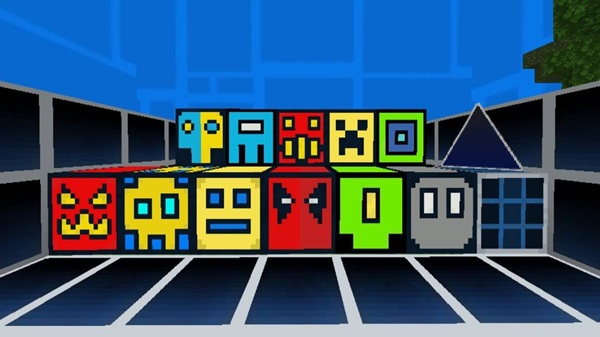
Final Thoughts
The Geometry Dash Addon gives Minecraft Bedrock a new identity: a rhythm-based skill challenge where timing means everything. It’s perfect if you enjoy quick sessions, competitive mini-games, or mastering patterns through repetition. Whether you play solo or share challenges with friends, this addon’s fast retries and satisfying rhythm mechanics can keep you improving one jump at a time.
How to Install the Addon on MCPE (Android/iOS/Windows)
Installing the Geometry Dash Addon is simple as long as you follow the correct steps and enable required settings.
Download the Geometry Dash Addon File
Save the addon file directly to your device. Choose a version that matches your current Bedrock update to avoid errors.
Import Resource & Behavior Packs
After downloading:
-
Open the file to import it into the game.
-
Go to World Settings.
-
Activate both the Resource Pack and Behavior Pack.
Enable Experimental Settings
Before launching the world, activate:
-
Holiday Creator Features
-
Any other options listed in the addon description
These enable custom blocks and rhythm mechanics to function properly.











