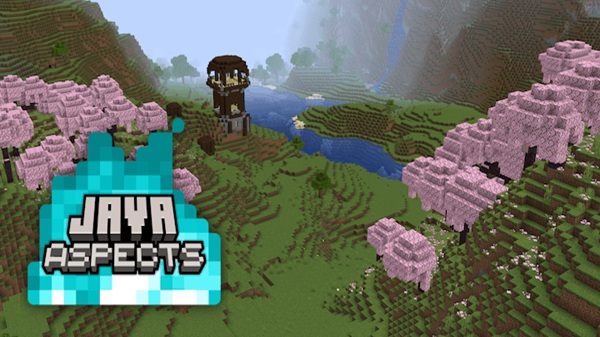
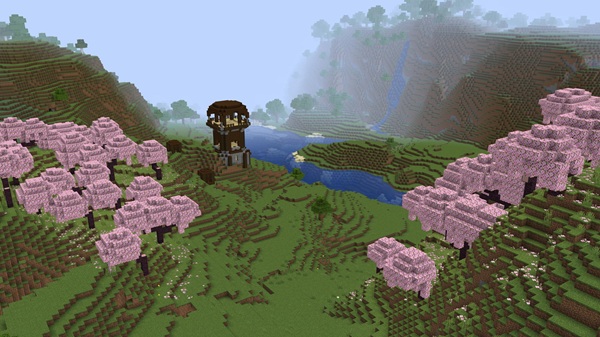
Bring the authentic Java Edition experience to Minecraft Bedrock with Java Aspects Addon. Enjoy Java-style textures, sounds, and UI design optimized for smooth performance on every MCPE device.
Java Aspects Addon – Authentic Java Feel for Every MCPE World
If you’ve ever missed the smooth look and sound of Minecraft Java Edition, the Java Aspects Addon brings that experience straight to your Minecraft Bedrock (MCPE) world. Created by AgentMindStorm, this refined addon carefully adjusts visuals, sounds, and UI to recreate Java’s atmosphere — without hurting performance or device compatibility.
It’s built for players who love the authentic, classic Java aesthetic, but play on mobile, console, or Windows 10/11. With this addon, you can finally enjoy a true Java-style Minecraft experience anywhere.
What Is Java Aspects Addon?
The Java Aspects Addon is a resource and behavior pack designed to make Bedrock Edition feel just like Java Edition. Instead of changing gameplay mechanics, it focuses on visual accuracy, sound fidelity, and immersive details that mirror Java’s original style.
Every update — from the shimmer of water to the rhythm of footsteps — brings MCPE closer to Java’s visual and emotional tone. It’s a must-have for anyone who values authenticity, nostalgia, and consistency in their Minecraft experience.
Core Features That Capture the Java Experience
The beauty of the Java Aspects Addon lies in how naturally it blends into your worlds. Here’s what makes it stand out among MCPE resource packs.
Visual Realism and Texture Overhaul
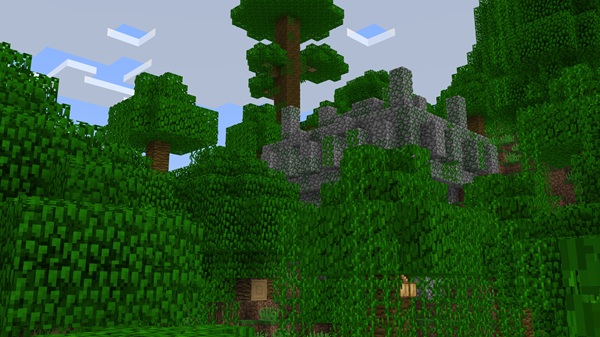
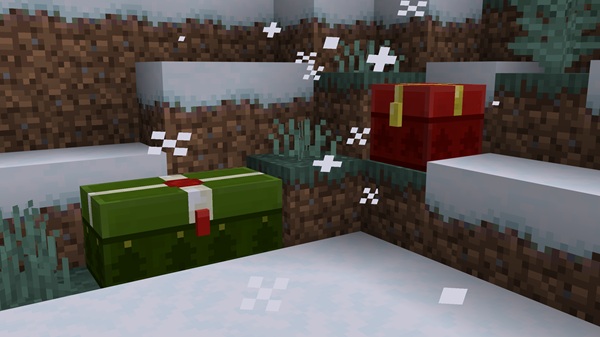
Rebalanced colors, fog, and lighting to match Java’s rendering.
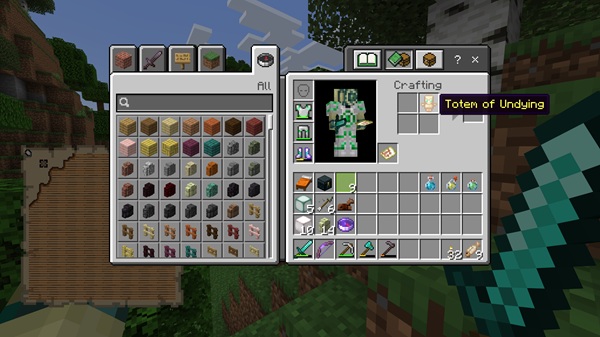
Cleaner inventory, hotbar, and health bar layouts with symmetrical UI.
Smoother mob and entity animations that make every world feel alive.
Your MCPE landscapes suddenly gain the natural depth and tone of Java — while staying fast and fluid.
Authentic Sound and Ambience
Recreates Java’s sound effects for blocks, tools, and footsteps.
Adds biome-specific ambience and weather layers for realism.
Synchronizes sounds with action timing for a familiar rhythm.
Every echo and step carries the nostalgic sound of classic Minecraft.
Interface and Customization
Sleek menus and buttons that mirror Java’s desktop-style interface.
Multiple subpacks:
Default Mode: modern textures, high performance.
Programmer Art: classic, pre-1.14 visuals.
Compatibility Mode: safe blending with other packs.
All adjustable via the gear icon in Resource Pack settings.
Optimized for Every Device
Performance Version: lightweight and smooth for phones/tablets.
Fidelity Version: full-quality textures for PC and console.
Efficient texture compression keeps FPS stable even on older devices.
How Java Aspects Addon Works In-Game
Once activated, the Java Aspects Addon automatically replaces Bedrock’s default visuals and sounds. It doesn’t change gameplay — only how your world feels. Every sound, texture, and animation is globally applied across your worlds.
The addon is fully compatible with single-player, multiplayer, and Realms, so everyone sees a cohesive Java-style environment.
Compatibility and Recommendations
The addon supports Minecraft Bedrock 1.20–1.21 and works on:
Android & iOS
Windows 10/11
Xbox and PlayStation consoles
Use the Performance Version for older devices and the Fidelity Version for high-end ones. If textures appear missing, enable Experimental Features and reload the world.
Why Players Love Java Aspects Addon
Players choose this addon because it bridges two Minecraft worlds — combining Java’s personality with Bedrock’s flexibility:
Familiar textures, sounds, and lighting.
Smooth performance across all platforms.
Nostalgic design that feels instantly recognizable.
Visual-only changes — safe for multiplayer use.
It’s not just an addon — it’s the Java spirit reborn in Bedrock form.
Final Thoughts – Bringing Java’s Soul to Bedrock
The Java Aspects Addon proves that authenticity and performance can coexist. It’s built for players who want every adventure, every sound, and every pixel to feel true to Java Edition.
Once installed, you’ll rediscover what makes Minecraft timeless — not just how it looks, but how it feels. This is Java’s heart, rebuilt for every MCPE world.
How to Install Java Aspects Addon on MCPE
Setting up is quick and beginner-friendly:
Download the .mcpack file from an official community source.
Open it in Minecraft to import automatically.
Activate via Settings → Global Resources → My Packs.
Select your subpack (Default, Programmer Art, Compatibility).
Restart Minecraft — and enjoy Java visuals instantly.