
My Robot GB 1.21+
Transform your world with the My Robot GB Addon. Automate survival in MCPE with smart robots that mine, farm, build, and protect as loyal futuristic allies.
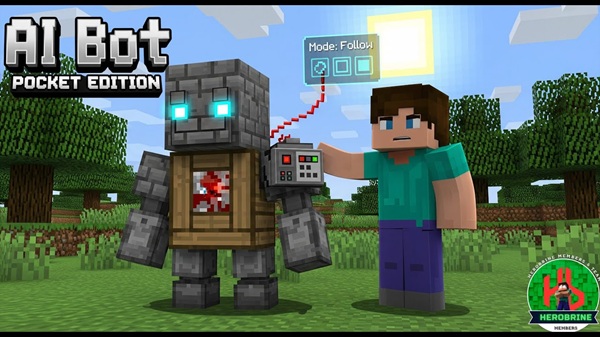
My Robot GB Addon – Automate Survival with Futuristic Allies
The My Robot GB Addon introduces a new way to experience Minecraft Bedrock Edition (MCPE). Instead of handling every task yourself, you can rely on intelligent robots to automate mining, farming, and even building. These futuristic companions not only save time but also add personality to your world, making survival smoother and more exciting.
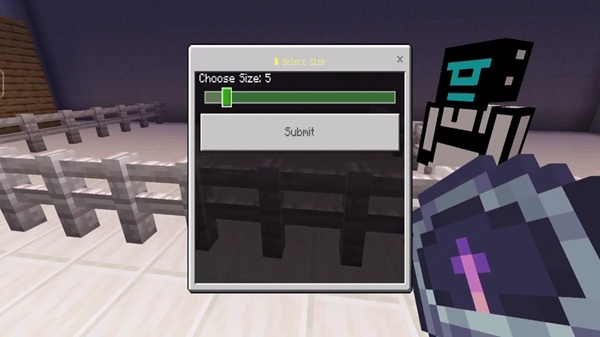
This addon is packed with tools and systems that make gameplay efficient and fun. Each feature is designed to enhance survival while fitting naturally into Minecraft’s style.
Use the /robot command system to assign tasks. With no coding required, you can quickly instruct robots to mine, farm, patrol, or build.
Robots come in multiple appearances, including steel, neon cyborg, and desert camo. You can also add color overlays for personalization.
Every robot has a 27-slot chest. Items are auto-collected and sorted, keeping your inventory organized during long survival sessions.
Robots rely on rechargeable energy cells crafted from redstone and iron. Parts may wear out after use, but repairing them is simple with iron ingots.
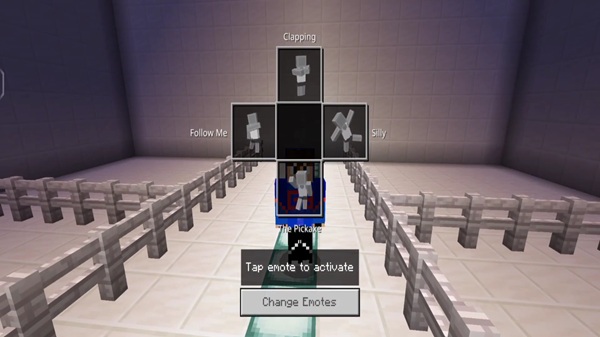
Tap your robot to access its touchscreen-style panel. The GUI shows energy, task progress, and collected resources in real time.
Robots are multiplayer-ready. Each one has a unique name and respects permissions, making them great for servers and co-op survival.
Understanding how these robots function in survival mode is key to making the most of the addon. From crafting to defending, they bring automation into every stage of gameplay.
Start by crafting a Robot Core with 4 iron ingots, 2 redstone dust, and 1 piston. Place it in your world to activate your first robot.
Commands such as /robot task mine <radius> or /robot task farm let you automate mining, farming, and other repetitive jobs.
Robots can gather food, dig tunnels, or build schematics, giving you freedom to focus on exploration or creative projects.
Your robot also acts as a loyal ally, helping protect you from hostile mobs so you can explore safely.
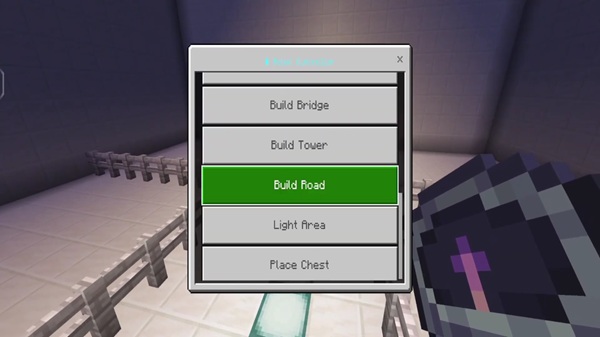
Before using the addon, check whether your setup meets the requirements. This ensures smooth gameplay across devices and servers.
- Minecraft Versions – Compatible with MCPE 1.20.0 through 1.23.0.
- Devices – Works on Android, iOS, Windows 10/11, and consoles.
- Performance Needs – 2 GB RAM recommended for mobile, 4 GB RAM for Windows.
- Multiplayer – Supported on servers; install the addon on both client and server sides.
To get the most out of the My Robot GB Addon, consider these helpful tips. They improve performance and make automation more enjoyable.
- Task Radius – Use smaller commands (10–15 block radius) to avoid lag.
- Energy Management – Keep spare cells ready or automate charging stations with hoppers.
- Blueprint Building – Save and reuse schematics with structure blocks.
- Reset Commands – If stuck, bring your robot back with
/robot reset <Name>. - Performance Balance – Limit robots to 3–5 on devices with fewer resources.
Robots aren’t just tools—they can also enrich storytelling and roleplay in MCPE. Use them to bring futuristic themes into your worlds.
- Futuristic Colonies – Design sci-fi towns operated by bots.
- Sci-Fi Bases – Build laboratories and high-tech stations with robot support.
- Team Survival – Assign robots to different players in multiplayer for cooperative adventures.
- Exploration Stories – Create roleplay scenarios with robots as companions.
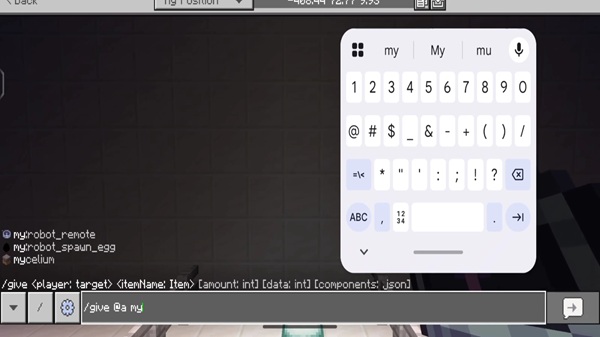
The My Robot GB Addon changes how you play Minecraft Bedrock. Instead of grinding through repetitive tasks, you can automate survival with loyal robot allies. These companions boost efficiency, protect you in dangerous areas, and open up new creative possibilities.
Whether you’re exploring caves, farming crops, or building futuristic cities, robots ensure you always have support. Craft a Robot Core today and let your new allies redefine your MCPE adventure.
Photos
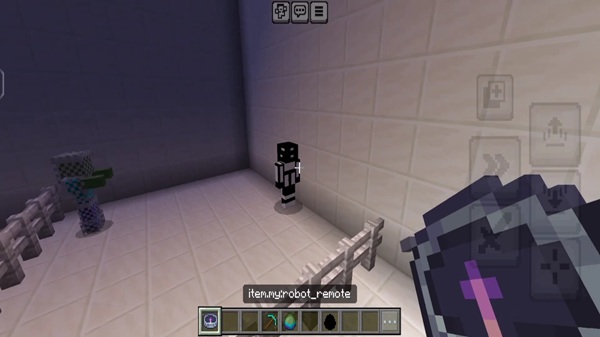
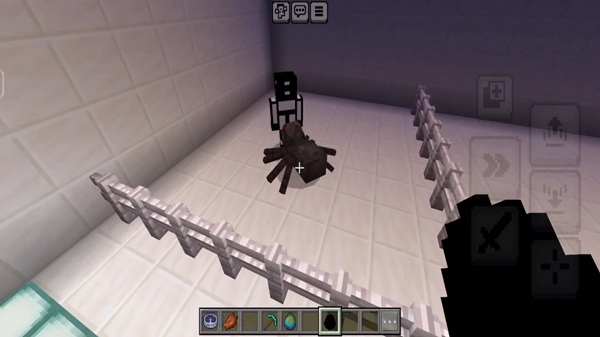
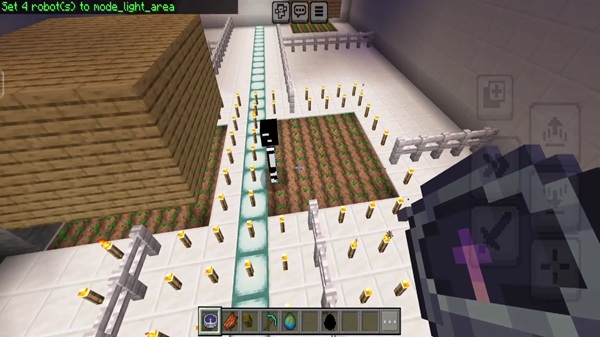
Installation Guide (Bedrock Edition / MCPE)
Installing the My Robot GB Addon is quick and straightforward. Just follow these steps to set it up properly:
- Get the Addon File – Make sure you have the
.mcaddonfile. - Import into Minecraft – Tap the file on your device, and MCPE will auto-import it.
- Enable the Packs – Turn on both the resource and behavior packs in your world settings.
- Activate Experimental Features – Switch on options like Holiday Creator Features if needed.
- Start a World – Enter your world, craft a Robot Core, and deploy your first bot.
Your comment











