
Realistic Random Loot 1.21+
Realistic Random Loot Addon refreshes Minecraft Bedrock/MCPE by adding dynamic, balanced loot that still feels natural in survival. Explore villages, temples, shipwrecks, and strongholds with less predictable rewards, plus a clear install guide, compatibility notes, and quick troubleshooting.
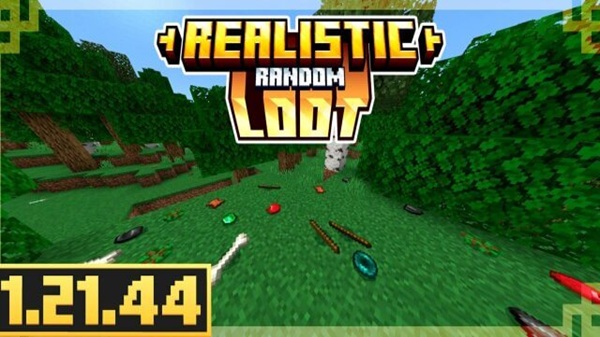
Realistic Random Loot Addon: Dynamic Loot, Natural Feel
If vanilla loot has started to feel predictable, Realistic Random Loot Addon is a clean way to refresh your world without changing what Minecraft “is.” This Bedrock/MCPE addon focuses on dynamic loot that still feels natural for survival mode: you explore, you open chests, you get surprises—but progression stays fair. If you play on mobile, that balance matters. You want variety, not a world that feels messy or unstable.
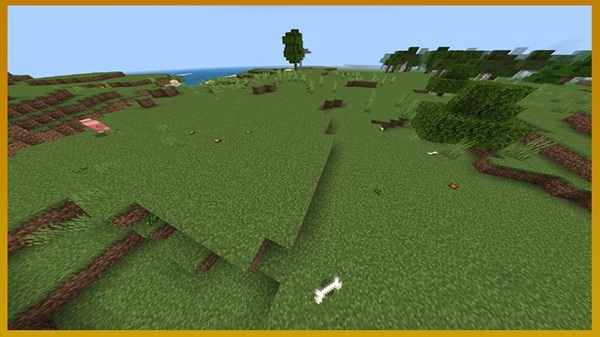
Quick Info Box
Here’s the fast overview so you can decide in seconds whether Realistic Random Loot Addon fits your MCPE setup and playstyle.
| Item | Details |
|---|---|
| Addon Name | Realistic Random Loot Addon |
| Pack Type | Behavior Pack (Resource Pack only if included) |
| Supported Versions | Bedrock/MCPE 1.20+ (best on latest stable) |
| Platforms | Android, iOS, Windows Bedrock |
| Multiplayer | Works in shared worlds/Realms-style play (host enables it) |
| Experiments | Only if your pack notes require it |
Key Features
This section highlights what Realistic Random Loot Addon is trying to improve. Think of it as “more replay value per chest,” while keeping survival pacing intact.
Dynamic loot results
-
Loot feels less repetitive across villages, temples, and other structures
-
You see more variety in supplies, tools, and useful survival items
-
Each world start feels different, even if you know the map style
Balanced rarity pacing
-
Common items appear often enough to help you progress
-
Rare finds stay rare, so they still feel valuable
-
The loot curve supports survival instead of skipping it
Exploration feels more rewarding
-
Traveling to different structures feels worth it again
-
Your “next chest” can actually change your plan for the day
-
Great for players who enjoy roaming instead of staying at one base
Optional tuning (only if your version supports it)
-
Some releases include adjustable drop rates or loot behavior
-
This lets you make the addon feel more casual or more strict
Friendly for multiplayer sessions
-
Great for co-op: players can split roles (explorer, builder, trader)
-
Fun for trading when someone finds a rare item you didn’t
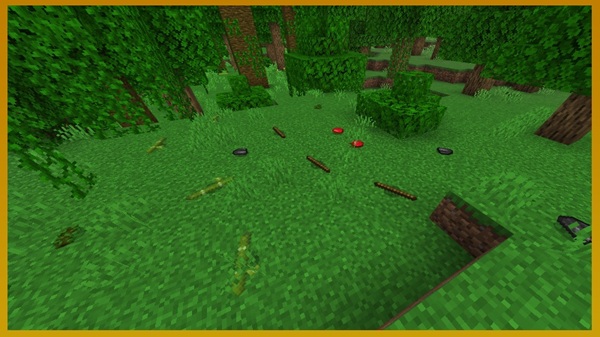
How It Works In-Game
Before you install, it helps to understand what’s happening in simple terms. Realistic Random Loot Addon changes how the game chooses items from loot sources, so rewards feel more varied while still “Minecraft-like.”
What’s affected
Depending on how your version is built, Realistic Random Loot Addon may adjust:
-
Structure chests (villages, dungeons, temples, strongholds, and more)
-
Container-style loot (barrels and similar storage found in structures)
-
Certain drops (only if your pack includes mob or block drop changes)
What “loot tables” means (simple explanation)
A loot table is basically a menu of possible items with chances.
Example: instead of a chest always giving the same few items, the game can roll from a wider set—like food, early tools, crafting materials, or a small surprise item—based on balanced odds.
Why it still feels natural
This is the key idea behind your title: Dynamic Loot, Natural Feel.
-
You’re not guaranteed rare items
-
You still need to mine, craft, and explore
-
Lucky moments happen, but they don’t become the whole game
New worlds vs existing worlds
-
New world: best experience, because structures generate with the new loot behavior from the start
-
Existing world: the addon can still work, but already-generated structures may not change, so you’ll want to explore new areas to feel the difference
What to Expect
Realistic Random Loot Addon changes the “reward rhythm” of survival in a way you notice quickly. To keep expectations realistic, here’s what it usually feels like over time.
Early game (first day to first base)
You’ll often notice:
-
More variety in basic supplies
-
Less “same starter chest every world” feeling
-
Small finds that help you stabilize faster without skipping survival
Scenario: Kai starts a new MCPE world, finds a village, and opens two chests. Instead of the usual predictable pattern, he gets a mix of food and small utility items that change what he crafts first. He still has to work—but his run feels unique.
Mid game (exploration and upgrades)
This is where the addon shines:
-
Exploring structures stays interesting
-
Loot feels like it supports your current stage
-
Long travel sessions feel less empty
Long-term (replay value)
-
Different worlds feel less “samey”
-
Group worlds get a better trading loop
-
You get more memorable finds over time
Balanced randomness (important note)
Realistic Random Loot Addon is still random. Some sessions will be luckier than others. That’s not a problem—it’s the point. The balance is that rare items remain rare, so your best finds still feel earned.
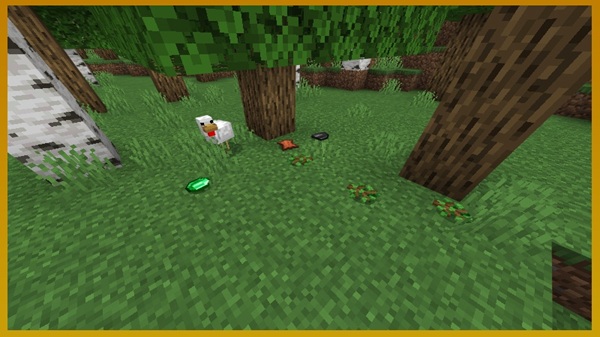
Recommended World Setup
This section helps you get the best “dynamic but natural” experience without confusion. A few small choices up front can save you a lot of troubleshooting later.
Best setup for MCPE
-
New world for clean results
-
Keep addon stacking light at first (test this addon alone)
-
Back up important worlds before adding behavior packs
Existing world tips
-
Travel into new chunks to see updated loot behavior
-
Treat it like a “new exploration season” rather than expecting old chests to refresh
Playstyle suggestions
-
Great with survival exploration
-
Great for co-op worlds where players like trading
-
Great for players who restart worlds often
Compatibility & Pack Order Notes
This section is about avoiding conflicts and keeping your MCPE world stable. Loot systems are simple to use, but they can clash if multiple packs change the same thing.
Bedrock/MCPE version guidance
-
Works best on recent Bedrock versions, especially if your pack targets 1.20+
-
If you update Minecraft and something feels off, try testing the addon in a fresh world
Devices and performance
-
Loot-focused behavior packs are usually light
-
If you’re on a lower-end phone:
-
lower render distance a bit
-
avoid stacking multiple heavy packs at once
-
Conflicts to avoid
Avoid using multiple addons that:
-
change the same chest loot
-
overhaul structures and their loot
-
heavily modify mob drops at the same time
Pack order (simple rule)
If two behavior packs affect loot, the one with higher priority can overwrite the other. If you notice missing changes, move Realistic Random Loot Addon higher in your behavior pack list and test again.
Best Places to Test the Addon
This quick checklist helps you confirm the addon is active without guessing. Pick one nearby location and start there.
Fast testing spots
-
Villages (multiple chests + barrels to compare)
-
Shipwrecks (quick to spot and loot)
-
Desert temples (good for rarity testing)
-
Mineshaft chests (consistent structure loot)
-
Strongholds (late-game style loot checks)
-
Ruined portals (small but noticeable loot rolls)
Tip: test two different structure types so you can feel the variety more clearly.
Troubleshooting
If something doesn’t look right, don’t panic. Most issues with Realistic Random Loot Addon come down to activation, world generation timing, or addon conflicts.
Addon not appearing after import
-
Restart Minecraft
-
Re-import the file
-
Confirm it’s not still zipped
Loot feels unchanged
-
Make sure the Behavior Pack is active
-
Try a new world for a clean test
-
Explore new chunks if you’re using an older world
Lag or instability
-
Disable other behavior packs and retest
-
Reduce render distance temporarily
-
Add packs back one-by-one to find conflicts
FAQ
Quick answers for the questions MCPE players ask most often about Realistic Random Loot Addon.
Does it work in multiplayer worlds?
Yes, as long as the world host has the addon activated in the world settings.
Do I need Experiments?
Only if your specific version says it requires them.
Will it change loot in structures I already visited?
Usually no. For the best results, explore new areas or start a new world.
Can I use it with texture packs or shaders?
Yes. Texture packs and shaders mostly change visuals, so they typically don’t interfere with loot behavior.
Can I combine it with other addons?
Yes, but avoid combining multiple loot-overhaul behavior packs. If you do, test carefully and adjust pack order.
Conclusion
Realistic Random Loot Addon is for players who want Minecraft survival to feel fresh again—without turning into chaos. The loot becomes more dynamic, exploration stays rewarding, and the overall vibe remains natural for MCPE and Bedrock worlds.
If you like the idea of opening a chest and getting a result that actually changes your plan—while still feeling fair—this addon is an easy upgrade. Start a new world, test a few structures, and let your next run write its own story.
Installation Guide for MCPE / Bedrock
This is the section most MCPE players care about. Below is the simplest way to install Realistic Random Loot Addon on mobile and Windows, plus quick checks to confirm it’s working.
Android (MCPE) installation
-
Download the addon file (
.mcaddonor.mcpack) to your device. -
Open your Files / File Manager and tap the file.
-
Minecraft should launch and import it automatically.
-
Look for an import successful message.
If tapping doesn’t work:
-
Use Open with → choose Minecraft
-
Restart Minecraft and try importing again
iOS (iPhone/iPad) installation
-
Save the file to the Files app.
-
Tap the file and choose Open in Minecraft (or Share → Minecraft).
-
Wait for the import confirmation.
If it imports but doesn’t appear:
-
Fully close Minecraft and reopen it
-
Re-import once more from Files
Windows Bedrock installation
-
Download the
.mcaddon/.mcpack. -
Double-click it to import into Minecraft.
-
If nothing happens, open Minecraft and try importing again from your downloads folder.
How to activate the addon in a world
-
Open Minecraft → Play
-
Create a new world (recommended) or edit an existing world
-
Go to Behavior Packs
-
Find Realistic Random Loot Addon → Activate
-
If your download includes a Resource Pack, activate it under Resource Packs too
Experiments
Only enable Experiments if your addon page or pack notes say so. If you’re unsure, start without them first—many loot-focused packs work fine without experimental toggles.
Quick test to confirm it’s working
-
Start the world and visit a nearby structure (village or shipwreck is easiest)
-
Open 2–3 chests in different places
-
You should notice loot variety that feels less predictable than vanilla
Common install mistakes
-
Activating Resource Pack only (Behavior Pack is the important one here)
-
Importing successfully, but not activating it in the world settings
-
Testing only already-looted structures in an old world











