
Redstone Presets 1.21+
Take your Bedrock and MCPE worlds to the next level with the Redstone Presets Addon. Spawn ready-made redstone machines, automate mining, movement, defense, and Nether travel, and turn complex redstone builds into simple, one-tap creations.
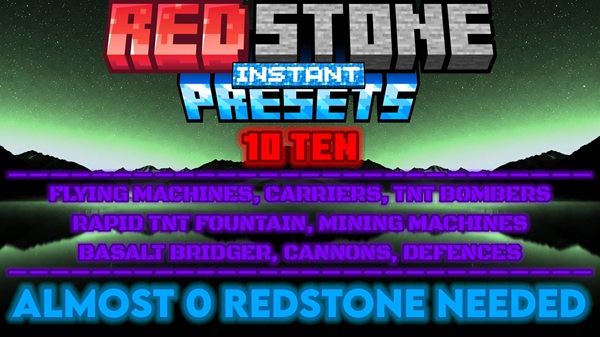
Redstone Presets Addon – Precision Power for MCPE
Redstone has always been one of the most fascinating parts of Minecraft Bedrock Edition—a blend of logic, creativity, and imagination. The Redstone Presets Addon brings that complexity under control, offering players pre-built redstone machines designed for instant use. Instead of spending hours wiring circuits, you can drop fully functional structures directly into your world, ready to run. Each preset is optimized for Bedrock and MCPE performance, giving mobile and console players the same power and precision once reserved for PC builders.
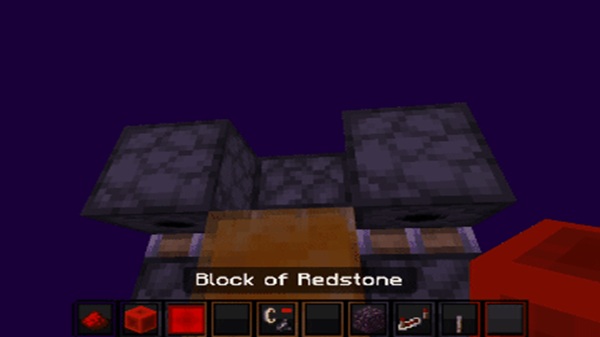
Overview of Redstone Presets in MCPE
The Redstone Presets Addon is a practical solution for players who want powerful automation without complicated setups. These presets are complete, ready-to-spawn redstone structures that work flawlessly on mobile, Windows, and console Bedrock platforms. Each one is thoroughly tested to ensure stability and predictability, so you can focus on creativity rather than troubleshooting.
You’ll find the presets inside the Construction category of your creative inventory—or within their own group in newer versions of MCPE. Simply select one, place it, and it instantly appears five blocks below your position, perfectly aligned and ready to use.
This addon makes redstone accessible for everyone—beginners learn faster, and experienced players save valuable time.
Deep Digger – Precision Mining Machine
The Deep Digger is the workhorse of this addon—a fully automated drilling machine built for efficient mining. Place it around 60 blocks above ground level, and it excavates downwards in a consistent pattern. This makes it perfect for collecting ores, clearing land, or creating vertical tunnels for base construction.
-
Use Case: Large-scale excavation and automated mining setups.
-
Highlights: Predictable digging speed, clean tunnels, and minimal lag.
-
Pro Tip: Deploy it in a designated mining zone to avoid damaging builds or terrain features.
This preset shows exactly what “Precision Power” means: strong performance and clean results, every time.
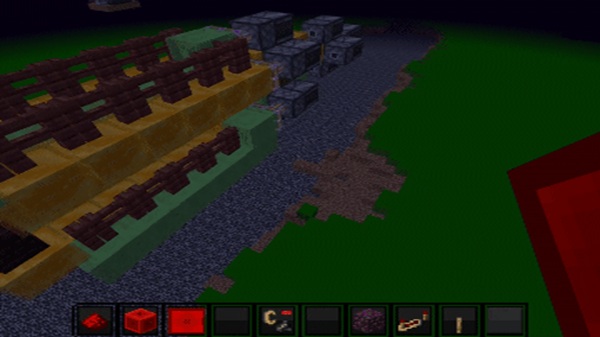
Flying Machine & Dual Flying Machine – Controlled Movement
For players who enjoy motion mechanics, the Flying Machine and Dual Flying Machine deliver smooth, reliable travel across your world.
-
Flying Machine: Moves automatically in one direction, ideal for transporting items or exploring skies.
-
Dual Flying Machine: Carries both players and entities, making it perfect for multiplayer adventures or mob transport.
Both machines spawn fully functional—no need to build piston chains or wire observers. Activate them using a lever or redstone torch, and they glide seamlessly, even on mobile devices. The simplicity and control they offer make them an excellent starting point for anyone exploring mechanized builds in MCPE.
TNT Systems – Controlled Redstone Power
While TNT machines are usually known for chaos, the Redstone Presets Addon brings precision to the explosion. These redstone contraptions are calibrated for safe, predictable power—ideal for building, clearing, or special effects.
-
TNT Cannon: Launches TNT in a straight line with adjustable force.
-
TNT Thrower: A flying launcher that fires TNT without destroying itself.
-
TNT Fountain: Creates spectacular upward displays for creative builds or events.
-
TNT Dropper: Releases TNT directly downward for fast terrain clearing.
Each TNT machine is pre-engineered for controlled impact. Whether you’re terraforming or experimenting with mechanics, these devices give you the fun of explosions—without the unpredictability.
Defence Fireworks – Smart Protection & Visual Flair
The Defence Fireworks preset combines protection with artistry. When triggered, it launches fully powered fireworks into the air, acting as both an alert and a showpiece.
You can place it at base entrances, village borders, or event arenas to add motion and color to your builds. Connect it to tripwires, pressure plates, or levers, and it becomes an automated defense or celebration system.
This machine embodies what makes the addon shine—it’s functional, safe, and visually exciting, turning ordinary builds into lively, interactive spaces.
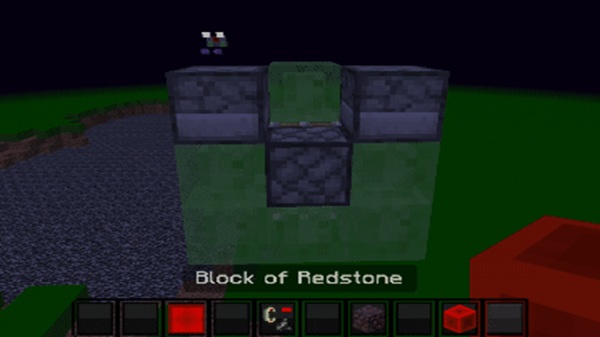
Basalt Bridger – Precision Paths in the Nether
The Basalt Bridger is every Nether explorer’s best companion. It automatically places basalt blocks as it moves forward, forming a safe path over lava lakes.
-
Primary Use: Building Nether highways and connecting distant portals.
-
Performance: Operates smoothly even on mobile devices.
-
Advantage: Eliminates the risk of falling while bridging by hand.
For mobile players using touch controls, this preset is a lifesaver. It provides steady, automated block placement, keeping your exploration both safe and efficient.
Why These Machines Represent “Precision Power”
Every structure in the Redstone Presets Addon follows one design philosophy—power through precision. Each machine is tested for Bedrock compatibility, ensuring consistent results on all MCPE devices.
Core Benefits:
-
Accessibility: Complex machines made usable for all players.
-
Reliability: Predictable results—no circuit errors or lag spikes.
-
Efficiency: Build more, troubleshoot less.
-
Educational Value: Great for visual learners exploring redstone logic.
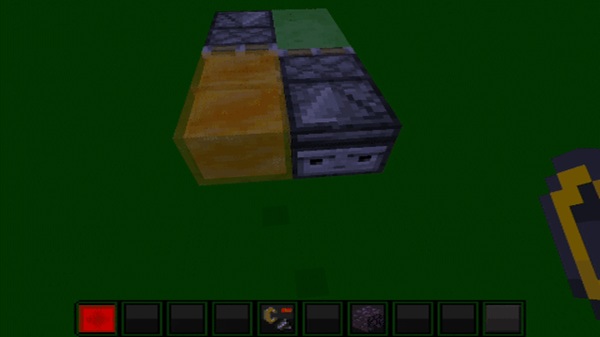
These presets turn advanced engineering into something approachable and exciting. You don’t just play with redstone—you master it effortlessly. The Redstone Presets Addon empowers you to build, automate, and explore like a professional engineer, even on mobile.
Final Word
The Redstone Presets Addon is more than a redstone toolkit—it’s a shortcut to creativity. From automated miners to elegant flying machines, every preset is built to make your world feel alive and intelligent. Whether you’re expanding a base, experimenting with automation, or learning the logic behind redstone, this addon gives you the tools, the control, and the precision to make it happen—right in Minecraft Bedrock Edition (MCPE).
Installation Guide for MCPE (Mobile, Windows, Console-Friendly Notes)
If this is your first time installing addons, don’t worry—these steps make the process simple.
Method 1: Using .MCPACK Files
-
Download the
.mcpackfile. -
Open it to import into Minecraft automatically.
-
Activate both the Resource Pack and Behavior Pack.
-
Enable Experimental Features.
-
Launch your world.
Method 2: Manual Installation
-
Extract the ZIP file with a file manager.
-
Move files to the proper
behavior_packsandresource_packsfolders. -
Enable both packs in your world settings.
Console Considerations
Consoles require world-transfer methods because direct addon import isn’t natively supported.











