
StormCall Wand 1.21+
Bring the power of storms to Minecraft Bedrock Edition with the StormCall Wand Addon. Summon lightning, change the weather, and unleash magical storm abilities to make your survival and roleplay adventures even more exciting.

StormCall Wand Addon – Unleash Lightning & Rule the Storm
Imagine standing on top of a towering mountain in Minecraft Bedrock Edition (MCPE), raising a magical staff, and suddenly—BOOM!—a massive bolt of lightning crashes down, shaking the world around you. With the StormCall Wand Addon, you gain the ability to control storms, summon lightning, change the weather, and release explosive energy blasts that make every survival and roleplay adventure far more thrilling.
If you’ve ever dreamed of becoming a stormcaller who bends the skies to their will, this addon is exactly what you need.
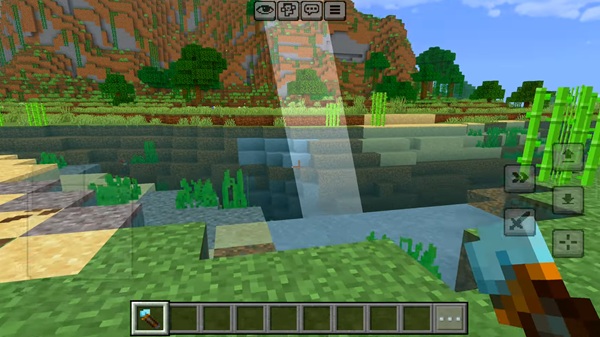
The StormCall Wand Addon is packed with unique magical powers that bring new ways to play Minecraft. Here are its main highlights:
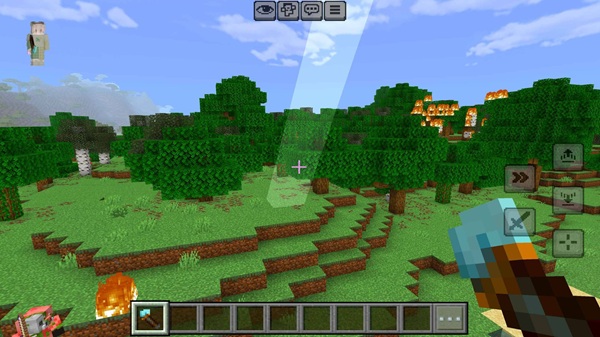
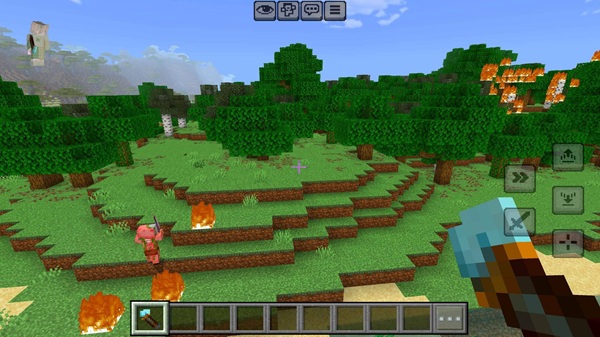
Strike fear into your enemies by summoning instant lightning bolts wherever you point your wand. It’s perfect for both epic battles against mobs and showing off your storm powers to friends.
Switch the sky in a snap! Change between clear skies, heavy rain, or dramatic thunderstorms with the StormCall Wand. This feature is perfect for roleplay sessions or for setting the mood in your world.
Unleash the Aerial Blast to send mobs flying with a powerful burst of storm energy. This ability adds strategy to PvP fights and works wonders for defending your base.
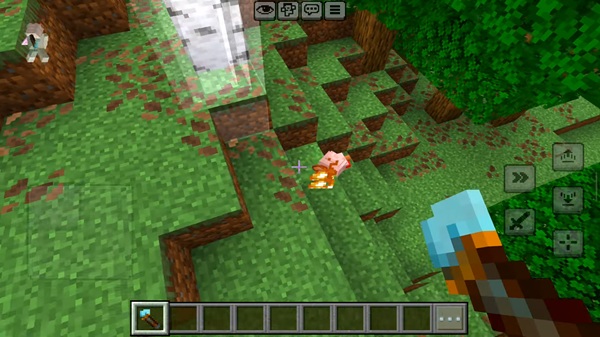
The wand runs on Storm Charge energy. Each spell consumes energy, which slowly recharges automatically. For faster recovery, you can boost your energy using special mob drops.
Enjoy dazzling lightning visuals, glowing particle effects, and realistic thunder sounds that make your Minecraft adventures more immersive than ever.
Tweak the damage, cooldown, and visual intensity of the storm abilities directly through the resource pack settings. Whether you’re in survival mode, competitive PvP, or creative roleplay, you can balance the power to your liking.
Getting started with the StormCall Wand is simple and fun. Here’s how you can use it:
-
Crafting Recipe – Combine 1 Iron Ingot + 1 Ender Pearl + 1 Amethyst Shard to create the StormCall Wand.
-
Creative Mode – Instantly get it with:
-
Switch Modes – Use sneak + tap (or crouch + right-click) to switch between Lightning Strike, Weather Control, and Aerial Shockwave.
-
Use Abilities – Tap or right-click to unleash your chosen storm power.
-
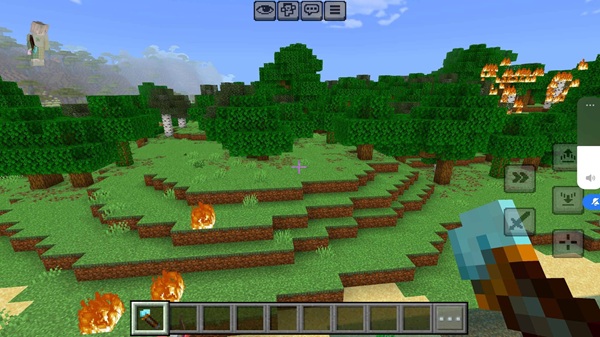
World Interactions – Summon lightning to ignite campfires, transform a Creeper into a Charged Creeper, or bring rain to boost your crops.
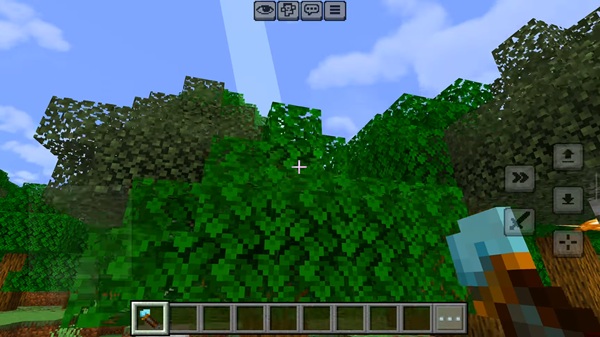
The StormCall Wand Addon is designed to run smoothly on most devices, but here are a few notes:
-
Minecraft Version: Works best on MCPE 1.20+ (requires 1.22+ for Amethyst crafting).
-
Devices Supported: Compatible with Android, iOS, Windows 10/11, and Xbox.
-
Performance Tips: If you notice lag from lightning and storm effects, lower your graphics settings for smoother gameplay.
-
Addon Compatibility: Avoid combining with other lightning or weather control addons to prevent conflicts.
Unleashing storms can be both powerful and fun. Try these ideas to get the most out of your StormCall Wand Addon:
- Light up the night by striking campfires or mobs with lightning.
- Boost farming by summoning rain to grow crops faster.
- Dominate PvP battles with sudden storms that surprise your opponents.
- Build Redstone traps powered by lightning and shockwaves.
- Roleplay as a storm wizard and rule your Minecraft world with elemental magic.
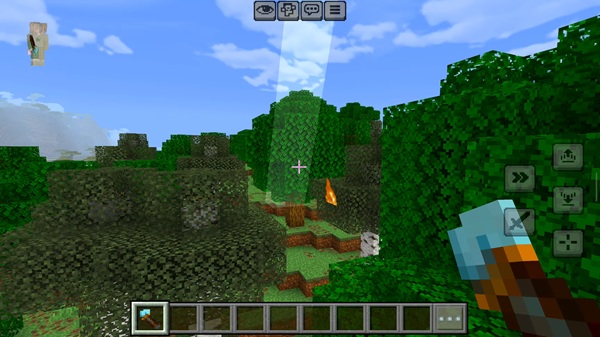
The StormCall Wand Addon brings the power of storms, lightning strikes, and weather control straight into your Minecraft Bedrock Edition world. Whether you want to enhance survival, spice up PvP fights, or dive into epic roleplay adventures, this addon is a must-try. With its unique storm abilities, energy system, and dazzling effects, it transforms every world into a stage for your storm-filled adventures.
Photos
Installation Guide for Minecraft Bedrock
Follow these steps to install the StormCall Wand Addon on your device:
-
Download the addon in
.mcaddonor.mcpackformat from a trusted source. -
Open the downloaded file – Minecraft will launch automatically and import the addon.
-
Activate the Resource Pack: Go to Settings → Global Resources → My Packs, then click Activate.
-
Activate the Behavior Pack: Open your world → Add-Ons → My Packs, and enable StormCall.
-
Run the setup command if required.
Your comment











