
Sword Blocking 1.21+
The Sword Blocking Addon brings skill-based defense to Minecraft Bedrock, letting you block attacks using your sword. Stay protected, fight smarter, and make survival combat more strategic on any device.
Sword Blocking Addon – Survive Longer, Fight Smarter
Minecraft Bedrock Edition (MCPE) can be unpredictable during combat, especially on mobile. Touch controls limit reaction time, shields slow movement, and new players often take damage they could avoid. The Sword Blocking Addon offers a smarter solution. Instead of relying on shields or extra buttons, this addon lets you defend with the item you already use most: your sword. It keeps gameplay fast, tactical, and skill-based, helping you stay alive longer while making battles feel more strategic.
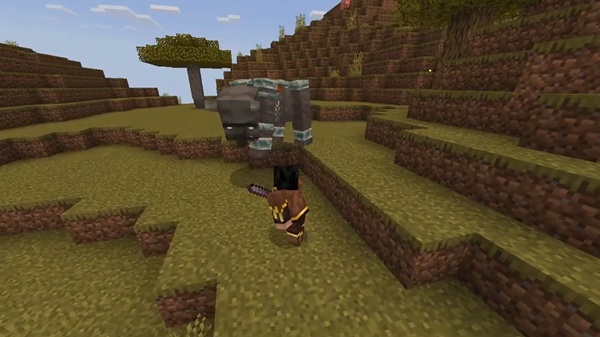
This guide explains how the addon works, why it’s useful for survival and PvP, who benefits most, and how to install it properly on MCPE.
What Makes Sword Blocking Essential in MCPE?
Players on mobile struggle most with timing, defense, and movement. Shields help but feel bulky on touch controls, while Java-style combat encourages smarter defense. The Sword Blocking Addon bridges that gap and fits naturally into Bedrock gameplay.
Key Ideas
-
MCPE combat is fast; blocking adds a tactical layer.
-
Shields reduce mobility, especially on touchscreens.
-
Sword blocking rewards timing instead of constant crouching.
-
Defense becomes a skill, not a passive action.
How the Sword Blocking Addon Works
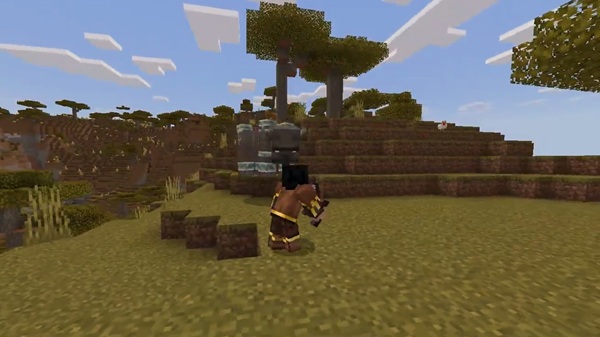
To use this addon effectively, you only need to understand one concept: blocking activates when you crouch with a sword equipped. This keeps combat simple while still rewarding awareness and reaction speed.
Core Blocking Mechanic
You block by holding a sword and crouching. Nothing extra is required:
-
No menu changes
-
No off-hand item
-
No special buttons
Blocking stays active as long as you hold the crouch input.
Controls Across Devices
-
Mobile (Touch): Hold the crouch button while holding a sword.
-
Windows / PC: Hold Shift, or right-click + sneak depending on controls.
-
Controller: Press and hold LT while crouching.
Melee Damage Protection
-
Reduces incoming melee damage significantly.
-
Perfect for close encounters and early survival.
-
Timing matters more than crouching non-stop.
Projectile Defense (Arrows & More)
-
Helps you approach skeletons without losing health.
-
Useful during raids, caves, open fields, and PvP.
-
Reduces ranged damage while maintaining mobility.
Potions & Limitations
-
Splash and lingering potions still cause effects.
-
Staying alert prevents risky situations.
-
Keeps gameplay balanced and prevents invincibility.
Timing & Positioning
-
Blocking too early or late reduces protection.
-
Movement + blocking helps close distance safely.
-
Skilled players gain an advantage through smart timing.
Survival Benefits: Stay Alive Longer
Sword blocking is a defensive tool that scales with your skill, not your gear. It lets you reposition, eat, heal, or escape in tight moments. Whether you’re exploring caves or entering a raid, the addon gives you more control over danger.
Survival Advantages
-
Safer fights with skeletons, pillagers, and mob groups.
-
Reduced damage while exploring dangerous terrain.
-
Great for new players learning mob patterns.
PvP Strategy: Fight Smarter, Not Harder
In multiplayer combat, knowledge beats equipment. The Sword Blocking Addon encourages players to observe, react, and read their opponent’s moves. Winning becomes about decisions, not attack spam.
PvP Advantages
-
Defense opens opportunities for counterattacks.
-
Blocks arrows while rushing ranged players.
-
Shields still matter, but sword blocking offers faster responses.
-
Works well for no-shield arenas and competitive combat.
Best Practices + Tips for Skillful Blocking
Blocking becomes more rewarding as you improve. These quick tips help you apply smart defense in any world type.
Pro Tips
-
Block only when danger is incoming.
-
Rush ranged enemies with blocking active.
-
Watch attack animations to time defense correctly.
-
Move while blocking to avoid potion splash effects.
-
Practice in arenas or farms to build reaction speed.
Compatibility & Performance Advantages
The Sword Blocking Addon uses GameTest mechanics, allowing smooth interaction with most weapon and mob addons. Its extremely small file size keeps gameplay fast, even on low-end devices.
Why It Runs Well
-
Lightweight and optimized for Bedrock/MCPE.
-
Works with most modpacks, weapons, and mobs.
-
Safe for realms when the host enables it.
Who Will Benefit Most from This Addon?
The addon fits a wide range of players, but it’s especially helpful for those who value control and skill.
Ideal Users
-
New MCPE players who want better survive-ability.
-
Mobile PvP players looking for tactical defense.
-
Survival explorers who face ranged mobs often.
-
Realm owners wanting balanced, skill-based gameplay.
-
Fans of classic Minecraft combat who miss blocking mechanics.
Final Thoughts
The Sword Blocking Addon doesn’t make you overpowered. It makes you smarter. It gives you a reliable defensive option that feels natural in MCPE and rewards players who react, learn, and adapt. If you want to explore confidently, improve your PvP timing, or help friends survive longer in your Realm, this addon delivers exactly what you need to play more strategically without changing the core identity of Bedrock combat.
Installation Guide for MCPE (Android, iOS, Windows)
Before playing, both packs must be installed and experimental settings enabled.
Installation Steps
-
Download the Behavior Pack and Resource Pack files.
-
Open the
.mcpackor.mcaddonfile to import automatically. -
Activate both packs in your world settings.
-
Enable Experimental Features in the same menu.
-
Load your world and test blocking with a sword.
Troubleshooting Tip: If it doesn’t work, make sure both packs are active and experiments are turned on.











