
Table Lamp 1.21+
Bring style and function to your Minecraft Bedrock builds with the Table Lamp Addon. Add realistic, customizable lamps that light up your interiors in survival or creative mode.
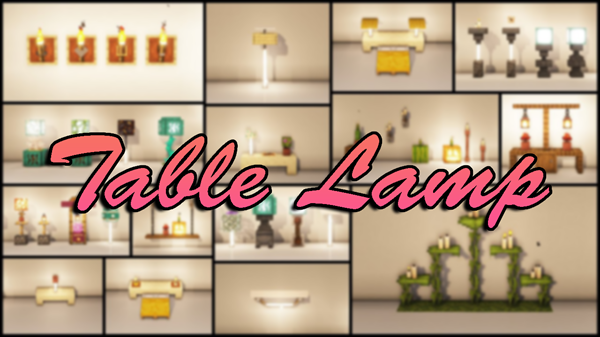
Table Lamp Addon – Stylish Lamps Crafted for Every Builder
Lighting in Minecraft is more than just a way to see at night—it’s how you set the mood, define your spaces, and bring your builds to life. From the warmth of a cozy cottage to the sleek glow of a modern city apartment, the right light can transform your world. The Table Lamp Addon for Minecraft Bedrock Edition (MCPE) delivers exactly that: functional, stylish lighting designed to fit seamlessly into any build, no matter your play style.
Whether you’re gathering resources in survival or building grand interiors in creative mode, this addon brings a new layer of depth to your designs, giving you tools to make your spaces both beautiful and practical.
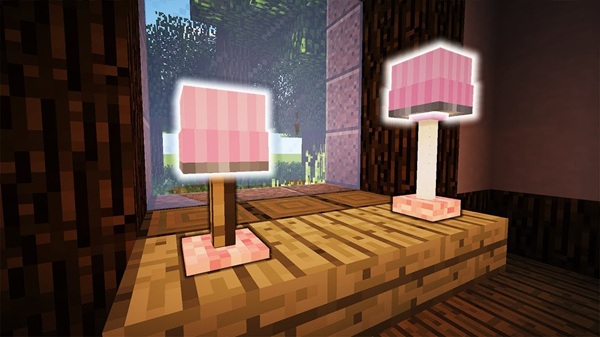
Before diving into how it works, let’s explore what makes this addon so appealing to MCPE players. These features combine design variety, functionality, and performance optimization—ensuring it fits both casual and dedicated players.
- Multiple lampshade shapes, from rounded to modern angular.
- Bases in wood, brass, stone, or metallic finishes.
- Color options to match rustic cabins, fantasy castles, or contemporary lofts.
- Warm, realistic light that enhances interiors.
- Adjustable brightness levels (low, medium, high) for mood control.
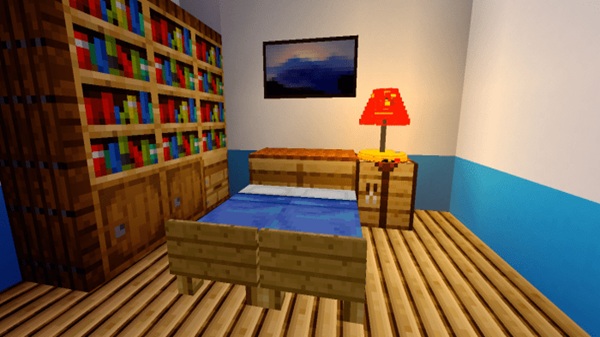
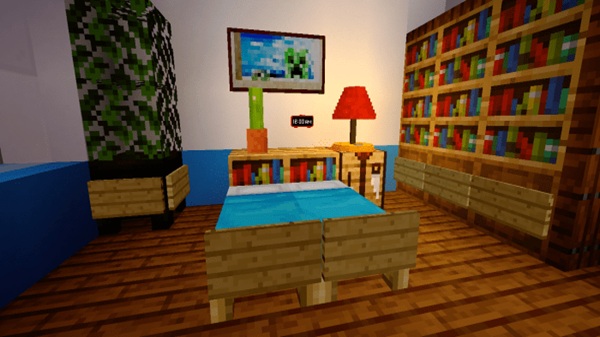
- Works perfectly in rooms like bedrooms, studies, or cozy reading corners.
- Craftable in survival with easy-to-gather materials.
- Full range of designs instantly available in creative inventory.
- Lampshades can be dyed for themed builds.
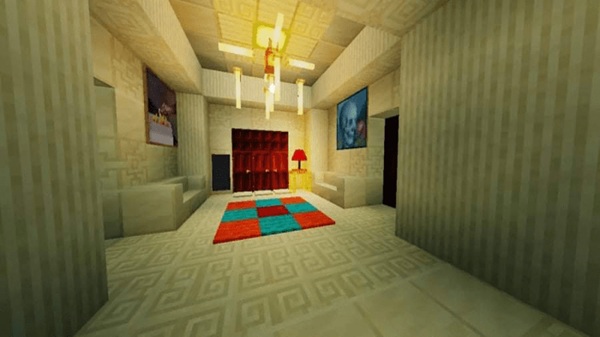
- Connect to switches, levers, or daylight sensors.
- Ideal for automated day/night lighting systems.
- Hide wiring for a clean, polished interior look.
- Lightweight textures and models for smooth gameplay.
- No noticeable FPS drop on mobile, console, or PC.
- Safe to use in multiplayer and realm builds.
The Table Lamp Addon is easy to use, even for players new to addons. Place a lamp on any block, slab, or decorative surface, and it instantly enhances the room. Tap or right-click to switch it on or off. On models with dimmers, tap repeatedly to cycle through brightness levels. If powered by redstone, the lamp’s state will follow the signal—perfect for automated lighting setups. And since mobs ignore lamps, you can place them anywhere without worrying about interference.
For survival players, crafting is simple and resource-friendly:
Recipe:
- 3 Smooth Stone – for the lamp’s base.
- 1 Iron Ingot – for structural support.
- 1 Glowstone Dust – the light source.
- 1 Wool (any color) – determines the lampshade color.
This recipe produces one fully functional Table Lamp. Wool color lets you match the lamp to your build’s theme. In some worlds, lamps may also appear as loot in generated structures like villager houses.
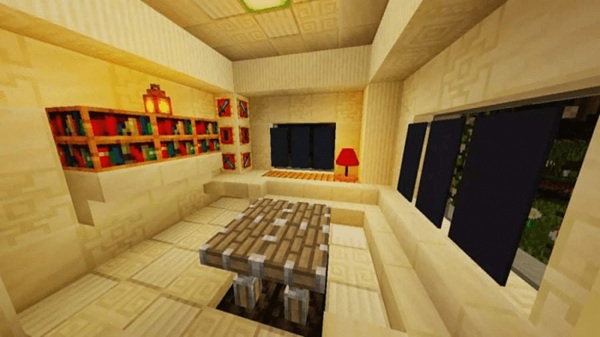
The Table Lamp Addon is designed for Minecraft Bedrock v1.20+, with partial compatibility for v1.19+. It runs smoothly on:
- Android & iOS
- Windows 10/11
- Xbox, PlayStation, Nintendo Switch
It’s multiplayer-safe if all players have it installed. To avoid visual or functional conflicts, don’t run it alongside other addons that modify lamp textures or IDs.
Want to get the most out of your Table Lamp Addon? Try these ideas:
- Pair with Furniture Addons – Combine lamps with chairs, desks, and shelves for a complete interior.
- Automate Lighting – Link to daylight sensors for hands-free, time-based lighting.
- Layer Light Sources – Use lamps with candles, lanterns, or hidden glowstone for visual depth.
- Match Your Build Style – Stone bases for medieval builds, metallic finishes for modern designs.
The Table Lamp Addon is more than a decorative block—it’s a functional design tool that makes your MCPE interiors feel real, lived-in, and inviting. Its blend of style, practicality, and performance optimization makes it a natural choice for anyone who loves building in Minecraft.
If you’ve ever wished your Minecraft rooms had more personality and atmosphere, this addon is the perfect way to make that vision a reality. Light up your builds—your world will thank you.
Photos
Installation Guide for MCPE
Setting up the Table Lamp Addon is quick and works across platforms:
-
Get the Addon File – Download the
.mcaddonor.mcpackfile from a trusted source. -
Import into Minecraft –
- Mobile: Tap the file to import automatically.
- Windows: Double-click to launch and install.
-
Activate in World Settings – Enable both Resource Pack and Behavior Pack for the addon.
-
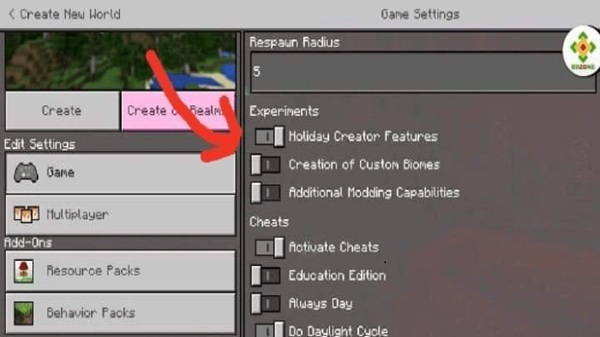
Turn on Experimental Features (if required) – Enable “Holiday Creator Features” and “Custom Items.”
-
Restart Your World – Ensures the addon loads properly.
Your comment











