
The Flash Suit 1.21+
Experience fast travel, smooth mobility, and survival advantages with The Flash Suit Addon for Minecraft Bedrock/MCPE. This speed-focused gear transforms your gameplay, letting you explore biomes quickly, escape danger, and enjoy high-speed adventures on mobile.
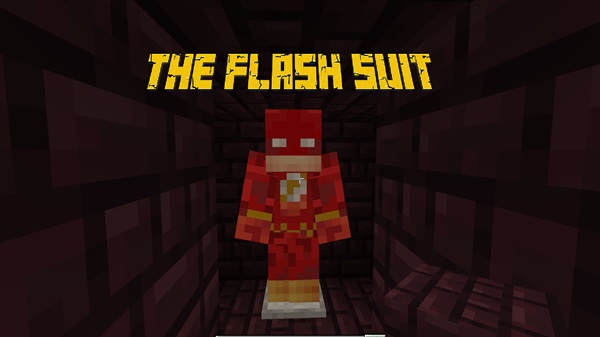
The Flash Suit Addon Ultimate Speed Gear for Bedrock
The Flash Suit Addon is a speed-enhancing upgrade for Minecraft Bedrock and MCPE that turns mobility into a real advantage. Instead of serving as a simple hero outfit, this addon focuses on improving how fast you can move, explore, and survive in your world. Many players on mobile get stuck walking long distances or struggling to outrun danger, so a boost in movement turns everyday exploration into something exciting. With this addon, you can travel faster, cross biomes with ease, and use high mobility as part of your strategy.
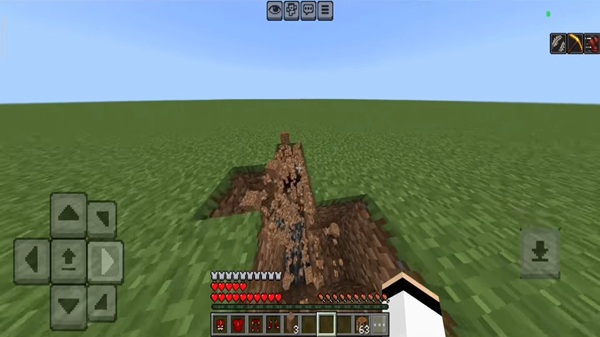
Compatible with Android, iOS, and Windows 10/11 Bedrock Edition, The Flash Suit Addon gives you immediate access to speed gear that changes the pace of gameplay. Whether you explore huge maps or just want a fun way to escape mobs, the suit fits naturally into the Bedrock experience.
What Is The Flash Suit Addon?
The Flash Suit Addon is a gear-based upgrade that equips you with a wearable speed suit in Minecraft Bedrock/MCPE. Once equipped, it boosts your sprint speed, jump flow, and traversal efficiency across different terrains. This means you can cross plains, mountains, forests, and rivers without wasting time.
Unlike many character-focused addons that only look cool, this one offers functional movement benefits. It appeals especially to players who enjoy exploration, survival runs, or fast-paced challenges. By combining speed with simple gear mechanics, the addon enhances your gameplay without complicating it.
Ultimate Speed Gear Features
Speed can change how you play. This addon adds mobility that you can actually use in real gameplay—not just in roleplay worlds. Below are the core features that define the suit.
Progressive Speed Boost System
The Flash Suit Addon uses a scaled system where each armor piece increases your speed. You don't have to wear the full set right away—every part gives a noticeable boost. But once you equip the complete set, you unlock full sprint velocity, enhancing:
-
Sprinting distance and pace
-
Jumping momentum across gaps
-
Climbing and swimming movement
This system keeps control manageable while offering fast travel across large maps.
Lightweight Suit Design for Bedrock
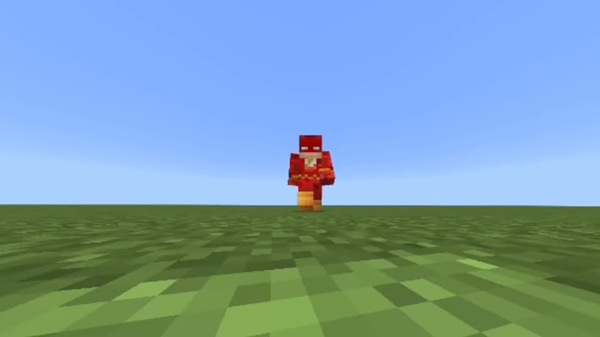
On MCPE, performance matters—especially for players using phones or older tablets. The suit design includes light textures and responsive animation optimized for mobile gameplay:
-
Low-lag performance on most devices
-
Smooth movement for touch controls
-
Balanced visuals that don’t overload the GPU
This makes the addon accessible even to players on lower-end hardware.
Support Item: Instant Survival Aid
Some versions of the addon include support items like golden apples, which provide useful buffs during high-speed play. They reinforce survival by giving:
-
Quick healing while running through danger
-
Buffs for traveling long distances
-
Emergency escape value against mobs
Mobility becomes a survival tool—not just a gimmick.
Visual Effects That Enhance Gameplay
High speed feels more immersive with simple visual touches. Depending on device support, you may see effects such as particle trails or streak visuals. These are:
-
Lightweight and performance-tested
-
Useful for motion feedback
-
Great for creators who record videos or screenshots
They add flair without affecting gameplay stability.
Works in Survival and Creative Modes
This addon is practical in both game modes:
-
Creative: Equip instantly from inventory
-
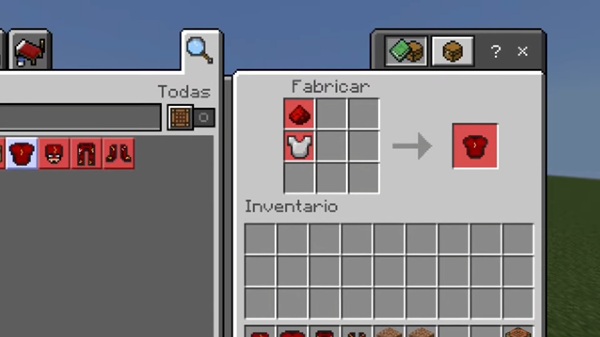
Survival: Some versions include crafting or progression rewards
Because speed benefits are balanced, the suit feels like a tool
How the Speed Gear Works in Minecraft
Once you wear any piece of the suit, the boost activates automatically. The more parts you equip, the faster you become. With full gear, you can travel effortlessly across:
-
Forests and deserts
-
Rivers and oceans
-
Villages and structures
This creates a smooth experience where distance is no longer a barrier.
Tips for Controlling High Speed
High mobility creates new gameplay habits. For easier control:
-
Crouch to slow down in tight areas
-
Stop sprinting briefly before jumps
-
Avoid sprinting near mountains and lava pools
Once you learn pacing, movement becomes a skill rather than a risk.
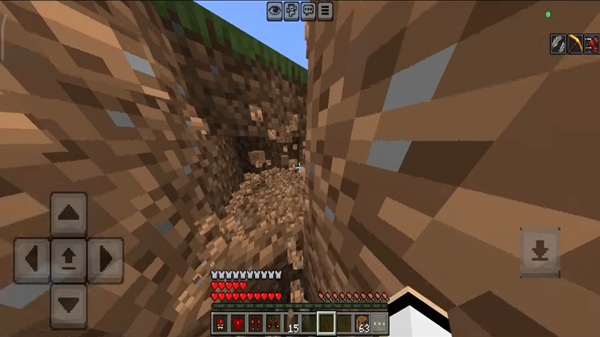
Best Ways to Use the Flash Suit in Your World
The Flash Suit Addon fits both casual and creative playstyles. Here are ways you can use it:
-
Exploration: Reach distant villages or biomes quickly.
-
Survival Runs: Outrun mobs and collect resources safer and faster.
-
Speed Challenges: Create races or timed objectives with friends.
-
City & Hero Builds: Use the suit in themed maps or fast-travel builds.
Try These Mini-Challenges
-
Find a structure within 30 seconds
-
Sprint across three biomes without stopping
-
Build a speed-based parkour route
Compatibility, Devices, and Version Support
-
Works with MCPE/Bedrock 1.12–1.21+
-
Best on mid-range or newer mobile devices
-
Lower-end phones may reduce effects automatically
-
Multiplayer requires the world owner to enable the addon
Avoid combining with other speed or armor-editing addons to prevent conflicts.
Download CTA + Safety Reminder
Download The Flash Suit Addon Ultimate Speed Gear for Bedrock safely through trusted MCPE sources. No additional launchers or installers are required—just import the file directly into Minecraft.
Equip your suit, sprint into new worlds, and turn speed into your greatest advantage.
How to Install the Addon on Bedrock/MCPE
Installing The Flash Suit Addon only takes a few minutes. Follow these steps:
-
Download the
.mcaddonfile. -
Open it directly through Minecraft.
-
Wait for the game to import the addon.
-
Activate Behavior Packs and Resource Packs in your world.
-
Enable Experimental Features (like Holiday Creator Features).
-
Enter the world and equip the suit.
Troubleshooting Tips
-
Items missing? → Re-import the addon.
-
Suit not working? → Enable experimental settings.
-
Lagging? → Lower render distance or reduce active addons.











