
Item Morph 1.21+
The Item Morph Addon adds a creative twist to Minecraft Bedrock by letting you transform into blocks and decorative items. It’s lightweight, easy to use on MCPE, and perfect for creative builds, roleplay, and fun multiplayer gameplay.
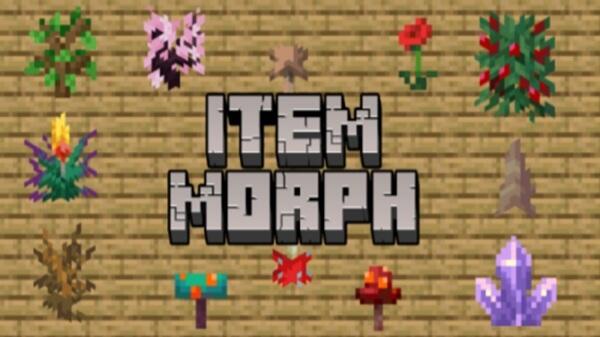
Item Morph Addon – Transform Into Blocks for Creative Gameplay
The Item Morph Addon brings a fresh creative mechanic to Minecraft Bedrock Edition (MCPE) by letting you transform into blocks and decorative items found in the world. Instead of turning into mobs, you become part of the environment itself—flowers, plants, and natural blocks included. This simple idea unlocks a surprising amount of creative gameplay, especially for mobile players.
Built with performance and accessibility in mind, Item Morph Addon feels natural on MCPE. It stays lightweight, easy to understand, and flexible enough to fit creative worlds, casual survival, and multiplayer sessions with friends.
What Is Item Morph Addon?
At its core, Item Morph Addon is about environmental transformation. It allows you to morph into blocks and items rather than creatures, which keeps gameplay calm, creative, and family-friendly. Before exploring what you can do with it, it helps to understand what kind of addon this is and what it aims to improve.
The addon focuses on visual immersion and playful interaction. You don’t replace vanilla gameplay; instead, you add a new way to experience it. For MCPE players who enjoy building, roleplay, or relaxed multiplayer sessions, this approach feels intuitive and rewarding.
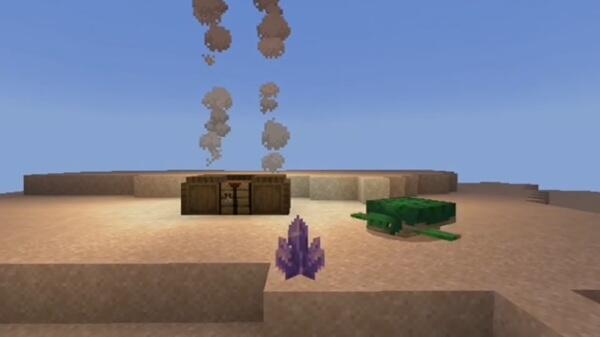
Core Features of Item Morph Addon
To support creative gameplay without complexity, Item Morph Addon relies on a small but effective set of features. These features work together to keep the experience smooth on mobile devices while still offering variety.
-
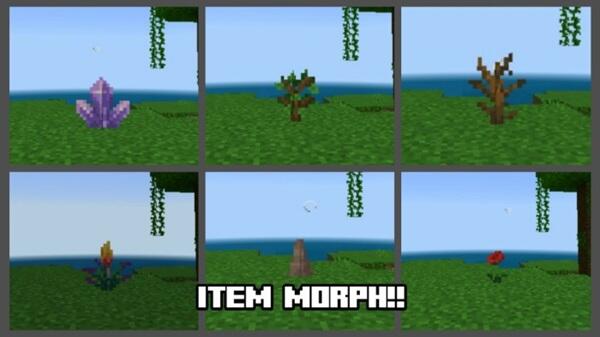
Transform into multiple blocks and decorative items
-
Survival-friendly access to morph items
-
Simple activation using basic in-game actions
-
Visual morphing that matches the selected block
-
Lightweight design optimized for MCPE performance
-
Compatible with resource packs for consistent visuals
Each feature is designed to feel familiar, so you spend less time learning and more time creating.
How Item Morph Addon Works in Gameplay
Understanding how the addon works helps you use it confidently in both Creative and Survival modes. The process is simple, which makes it ideal for touch controls and younger players.
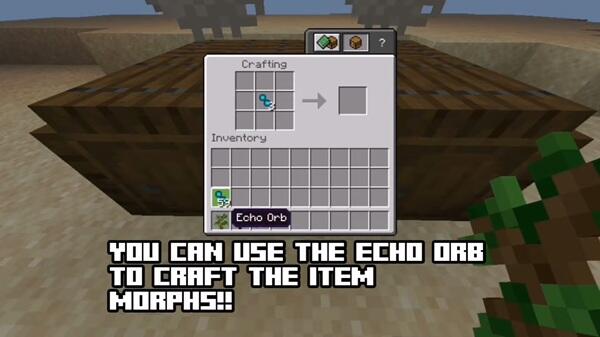
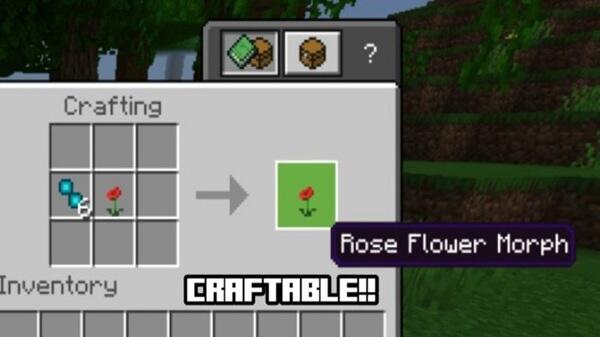
You obtain morph items through crafting or in-game access. When you hold a morph item and use it, your character instantly transforms into the selected block or item. Your appearance changes to match that block, and your physical presence adjusts to fit the new form.
The morph stays active until you switch to another morph or revert back. Movement may feel slightly different depending on the block, but this adds creative depth rather than difficulty.
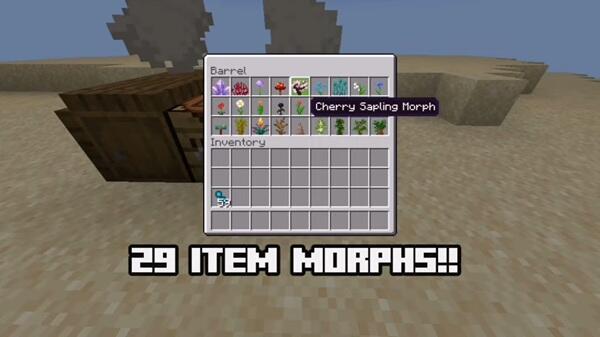
Creative Gameplay Possibilities
This section defines the true value of Item Morph Addon. Once you understand the mechanics, the addon becomes a tool for imagination, social play, and creative expression.
Hide-and-Seek and Prop-Style Mini-Games
Morphing into blocks lets you blend naturally into forests, caves, villages, and custom maps. Hide-and-seek and prop-style mini-games become more engaging because success depends on smart positioning and observation, not speed or combat.
Creative Building and Scale Visualization
When you become the block you’re building with, scale and spacing suddenly make more sense. This perspective helps when designing interiors, gardens, and decorative builds, especially on MCPE where visual planning matters.
Roleplay and Storytelling Scenarios
In roleplay worlds, Item Morph Addon allows players to feel like part of the setting. Nature-based stories, fantasy villages, and peaceful worlds benefit from this subtle immersion without adding complex systems.
Multiplayer Creativity on Realms and Shared Worlds
The addon works well in shared worlds and Realms, encouraging cooperative activities and casual challenges. Its non-competitive design makes it suitable for family-friendly multiplayer sessions.
Visual Content Creation and Screenshots
For creators, morphing into blocks opens new camera angles and visual ideas. Screenshots and short videos gain variety without relying on heavy shaders or performance-intensive mods.
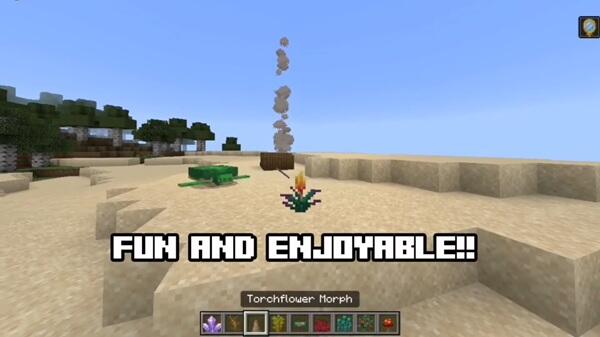
Compatibility and Performance on MCPE
Because mobile performance matters, Item Morph Addon is designed to stay efficient. It runs smoothly across modern Bedrock platforms.
-
Supports recent Minecraft Bedrock versions
-
Works on Android, iOS, Windows, consoles, and Realms
-
Minimal impact on FPS and device resources
-
Suitable for low- to mid-range mobile devices
-
Compatible with most addons when tested gradually
The absence of heavy background scripts helps maintain stability during longer sessions.
Helpful Tips for Smooth Creative Play
A few simple habits can make your experience more enjoyable, especially in Survival or multiplayer worlds.
-
Carry more than one morph item to switch forms easily
-
Test morphs in Creative mode first
-
Choose blocks that match the surrounding environment
-
Be careful in tight spaces, as block shapes affect movement
-
Add other addons slowly to avoid conflicts
These tips help you stay creative without interruptions.
Why Item Morph Addon Fits Creative MCPE Worlds
Item Morph Addon fits naturally into creative MCPE worlds because it enhances imagination without changing Minecraft’s core identity. It’s easy to learn, suitable for all ages, and encourages exploration rather than progression pressure.
Whether you enjoy building, roleplay, casual multiplayer, or visual content creation, Item Morph Addon adds long-term value with minimal setup—making it a strong choice for creative gameplay on Bedrock.
Photos
How to Install Item Morph Addon on MCPE
Installing the addon is quick, but doing it correctly ensures everything works as expected. Follow these steps before entering your world.
-
Import the
.mcaddonfile into Minecraft -
Enable the Behavior Pack in world settings
-
Enable the Resource Pack if included
-
Turn on Experimental features if required
-
Apply settings and enter the world
Once inside, test a morph in Creative mode to confirm the setup.
Your comment











